About Text Deblur
What is Text Deblur?
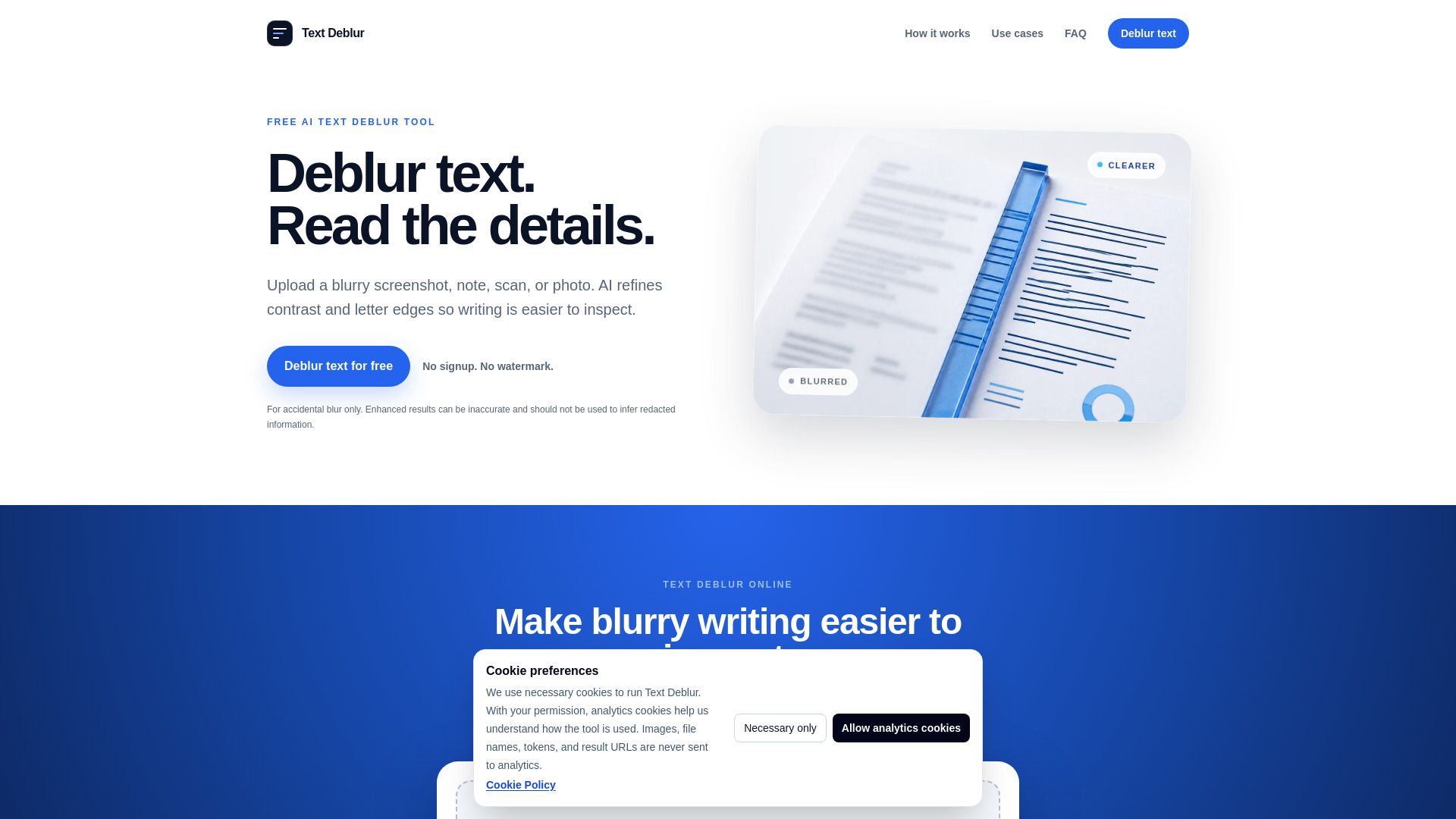
Text Deblur is an online image enhancement tool designed for improving the clarity of screenshots, scans, notes, and photographed text. It allows users to enlarge supported images and inspect fine letter edges without the need for a prompt or account creation. The tool provides enhanced images in JPG format by default, with PNG available for transparent inputs, ensuring that the text remains in its visual context.
Users can process up to 20 images per UTC day, with an upload limit of 20 MB per image. Supported images can be enlarged up to 4×, although larger images may retain their original size. Before processing, the tool displays the expected output dimensions, allowing users to understand the enhancements they will receive.
Text Deblur Features
Text Deblur is an online image enhancement tool designed specifically for improving the clarity of screenshots, scans, notes, and photographed text. It allows users to enlarge supported images and inspect fine letter edges without the need for writing a prompt or creating an account, making it user-friendly and accessible.
When using Text Deblur, users receive an enhanced image output, typically in JPG format, with PNG available for transparent inputs. This ensures that the text remains in its visual context. The tool does not provide OCR transcription or create searchable PDFs, focusing instead on enhancing the visual quality of the text. Users can process up to 20 images per UTC day, with an upload limit of 20 MB, and supported images can be enlarged up to 4×, while larger images may retain their original size.
Enhances clarity of text in images
Supports enlargement of images up to 4×
Processes up to 20 images per day
Outputs images in JPG and PNG formats
No account creation required for use
Why Text Deblur?
Text Deblur is an innovative online image enhancement tool designed specifically for improving the clarity of screenshots, scans, notes, and photographed text. By allowing users to enlarge images and inspect fine letter edges without the need for prompts or account creation, it streamlines the process of enhancing text visibility. This tool is particularly beneficial for those who need to analyze small or unclear text, making it easier to read and understand.
Some of the key benefits of using Text Deblur include:
Enhanced image quality with clearer text visibility.
Support for processing up to 20 images per day, allowing for efficient batch processing.
Output options in JPG and PNG formats, preserving the visual context of the text.
Ability to enlarge images up to 4×, improving legibility without losing detail.
How to Use Text Deblur
Text Deblur is an online image enhancement tool designed for improving the clarity of screenshots, scans, notes, and photographed text. To get started, simply upload your image without the need to create an account or write a prompt. The tool allows you to enlarge supported images and inspect fine letter edges, making it ideal for enhancing small text.
Once you upload an image, you will receive an enhanced output, typically in JPG format, with PNG available for transparent images. The tool supports processing up to 20 images per UTC day, with an upload limit of 20 MB per image. Images can be enlarged up to 4× their original size, and the expected output dimensions will be displayed before processing.
Enhance clarity of small text in images.
No account creation or prompts required.
Supports multiple image formats and outputs.
Process up to 20 images daily.
Preview expected output dimensions before processing.
Ready to see what Text Deblur can do for you?and experience the benefits firsthand.
Key Features
How to Use
Visit the Website
Navigate to the tool's official website.
Pros & Cons
What's good
What's not good
Pricing
- Enhance up to 20 images per UTC day
- No account required
- Private storage for inputs and results
- Links expire in 24 hours
- Stored files deleted after one day