About SVG Converter
What is SVG Converter?
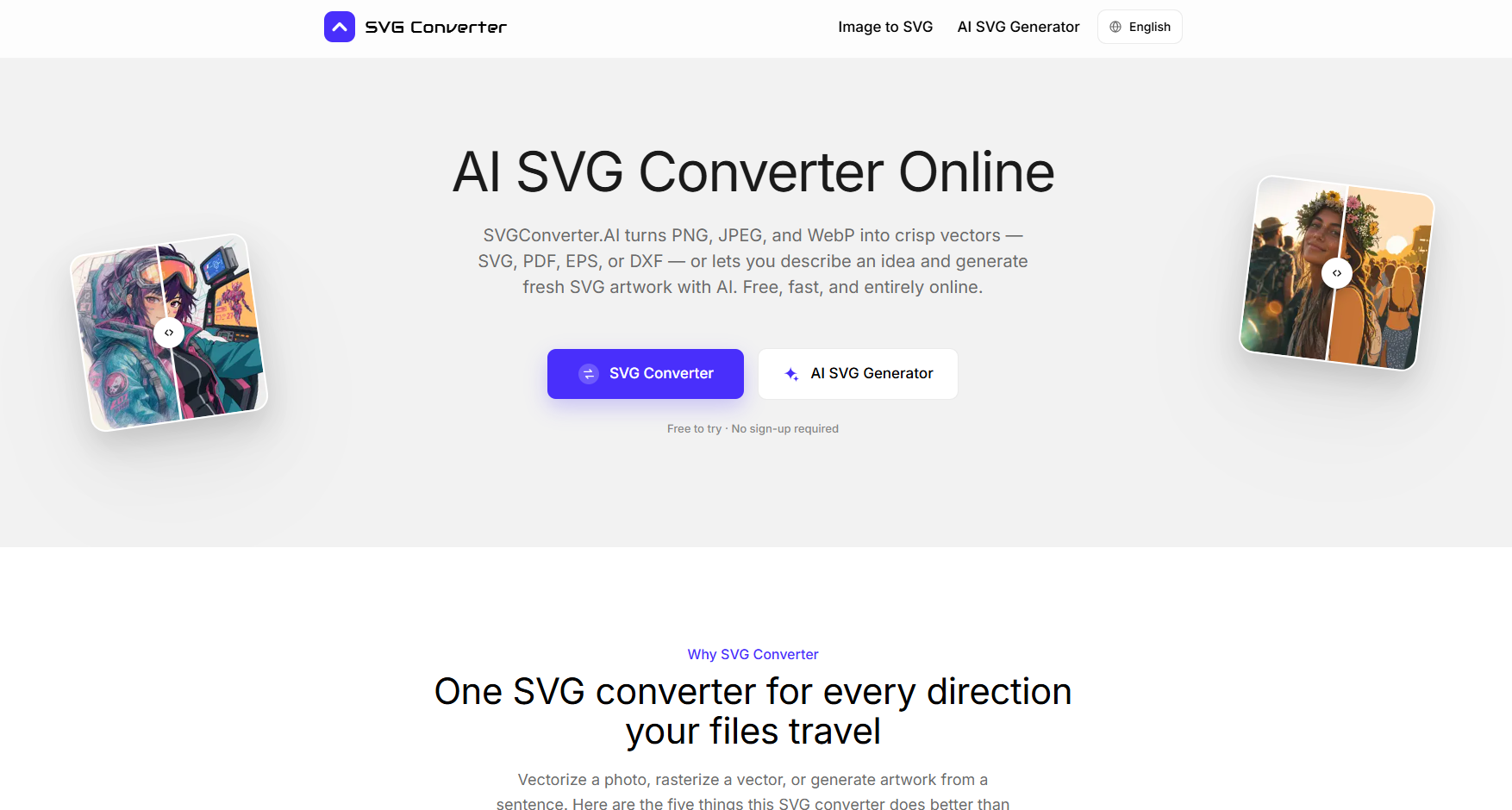
SVG Converter is a versatile tool designed to handle various file formats, allowing users to upload SVG, PDF, EPS, or DXF files and convert them into different formats quickly and efficiently. With SVGConverter.AI, users can transform their files through high-fidelity rasterization, ensuring that the quality of the output is maintained. The service offers three free uses without the need for sign-up, after which users can unlock unlimited Pro access for all conversion workflows.
This SVG converter excels in multiple aspects, making it a superior choice for users needing to convert files in both directions. It can convert PNG, JPG, and WebP images into clean vectors, as well as revert SVG, PDF, EPS, and DXF files back into raster formats like PNG, JPG, WebP, and AVIF. Here are some key features:
Handles both vectorization and rasterization seamlessly.
Maintains high-quality output with sub-pixel accuracy.
Ensures brand colors are preserved during conversion.
Eliminates compression artifacts and scanner noise for cleaner results.
Allows for easy editing of paths with a manageable node count.
SVG Converter Features
The SVG Converter is designed to handle a variety of file formats, making it a versatile tool for different workflows. It allows users to convert SVG, PDF, EPS, and DXF files into various output formats such as PNG, JPG, WebP, AVIF, and GIF. This flexibility ensures that users can easily select the appropriate format for their specific needs, whether for web use, printing, or other applications. With every option just one click away, users can streamline their projects without the hassle of switching between multiple tools.
One of the standout features of the SVG Converter is its ability to maintain high-quality output. The converter studies the artwork before processing, ensuring that edges are followed with sub-pixel accuracy and that brand colors are preserved. It effectively cleans up compression artifacts and scanner noise, resulting in sharp corners and smooth arcs that remain clear even when zoomed in to 3000%. This attention to detail ensures that fine lettering and hairline strokes are accurately represented in the final output.
Supports multiple file formats for both input and output.
Maintains high fidelity with sub-pixel accuracy during conversion.
Cleans up artifacts and noise for crisp, clear results.
Allows for easy selection of output formats in a single interface.
Preserves brand colors and fine details in the converted files.
Why SVG Converter?
The SVG Converter offers a multitude of benefits that make it an essential tool for designers, developers, and print shops. With its ability to handle various file formats, users can easily convert to SVG for web and animation, PDF for documents, EPS for commercial print, and more, all in one place. This eliminates the need to search for multiple tools mid-project, streamlining the workflow significantly.
One of the standout advantages of this SVG Converter is its commitment to quality. It meticulously studies your artwork, ensuring that edges are followed with sub-pixel accuracy and that brand colors are preserved. The output remains sharp even when zoomed in to 3000%, making it ideal for fine lettering and intricate designs. Users can enjoy:
One-click access to multiple file formats.
High-quality output with crisp corners and smooth arcs.
Three free uses to test the service before committing.
Unlimited Pro features for enhanced functionality.
How to Use SVG Converter
Getting started with the SVG Converter is simple and efficient. To begin, upload your SVG, PDF, EPS, or DXF file that you wish to convert. The converter supports a variety of output formats, allowing you to choose the one that best fits your needs. Whether you need SVG for web and animation, PDF for documents, or PNG for transparency, every option is just a click away.
Once your file is uploaded, the SVG Converter will process it quickly, transforming your file into the desired format through high-fidelity rasterization. You can try up to three conversions without signing up, making it easy to test the tool before committing to a Pro account for unlimited access. This streamlined process ensures that you can fill gaps in your projects efficiently, whether it's for a deck, landing page, or icon set.
Supports multiple input formats: SVG, PDF, EPS, DXF
Outputs in various formats: PNG, JPG, WebP, AVIF
Fast processing with high-fidelity results
Try three conversions for free
Easy to use with no installation required
Ready to see what SVG Converter can do for you?and experience the benefits firsthand.
Key Features
How to Use
Visit the Website
Navigate to the tool's official website.
Pros & Cons
What's good
What's not good
Pricing
- AI generation, image tracing, and background removal
- SVG, PDF, EPS, DXF, and modern image exports
- Commercial use and watermark-free downloads
- Unlimited access to all tools
- AI generation, image tracing, and background removal
- SVG, PDF, EPS, DXF, and modern image exports
- Commercial use and watermark-free downloads
- Unlimited access to all tools