
About Siket
What is Siket?
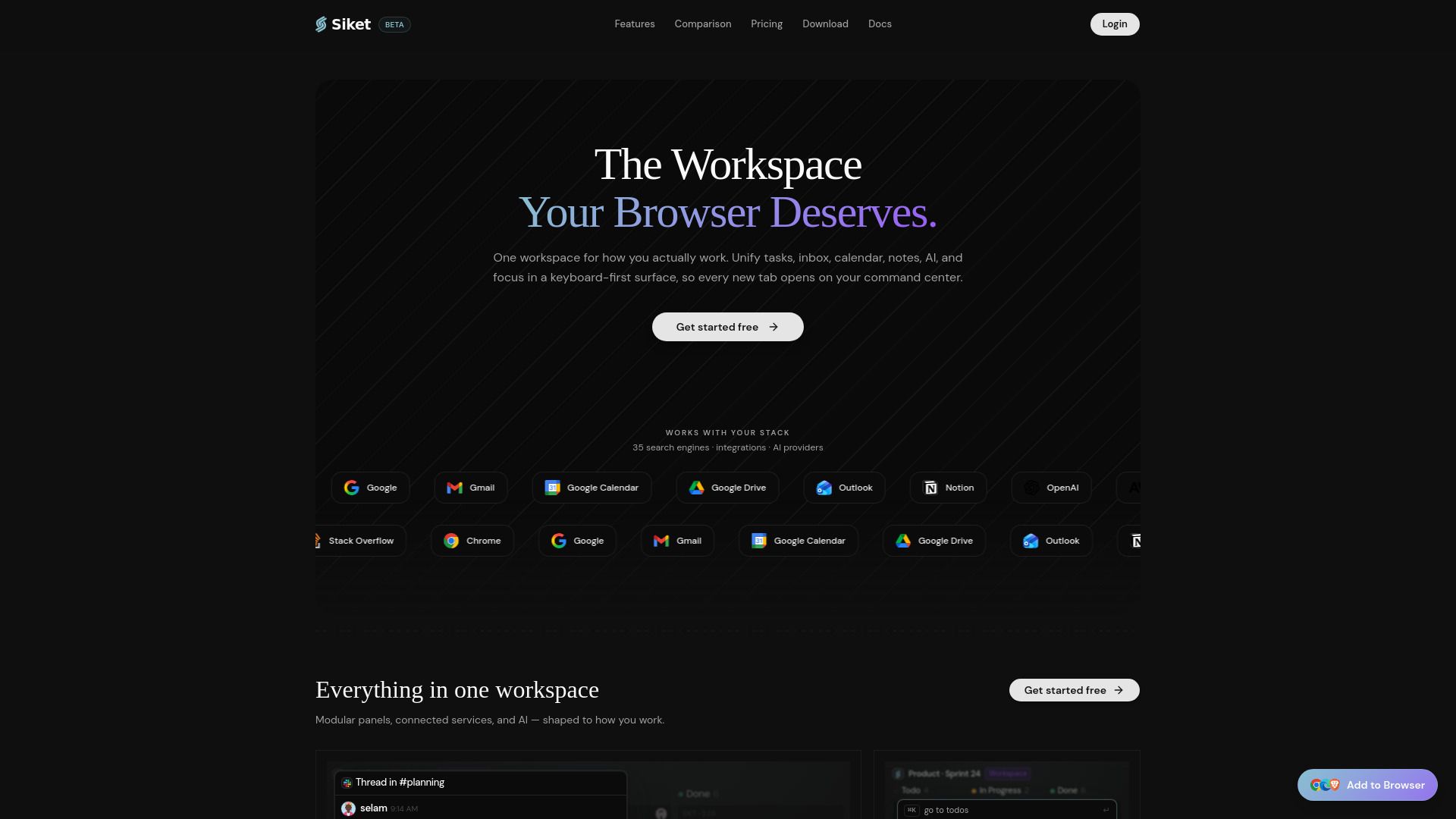
Siket is a productive new tab workspace designed to enhance your browsing experience. It offers a streamlined interface that allows users to access various tools and resources efficiently. With Siket, you can customize your new tab page to suit your needs, making it a versatile solution for both personal and professional use.
Some of the key features of Siket include:
Access to AI Tools and Agents Directory
Integration with over 50 search engines
App comparison resources for informed decision-making
A comprehensive Command Palette Guide for easy navigation
Siket Features
Siket transforms your new tab into a comprehensive command center designed for productivity. It integrates various functionalities such as to-do lists, focus mode, email access, calendar management, tab sessions, habit tracking, and AI tools, all within a keyboard-first browser workspace.
This innovative platform enhances user experience by streamlining essential tasks and resources into one accessible location, allowing for efficient multitasking and improved focus.
To-do lists for task management
Focus mode to minimize distractions
Email and calendar integration
Tab session management
Habit tracking features
AI tools for enhanced productivity
Why Siket?
Siket offers a unique value proposition by transforming the traditional new tab experience into a highly productive workspace. By integrating essential tools such as to-do lists, focus mode, email, calendar, and AI capabilities, Siket enables users to streamline their workflow and enhance productivity directly from their browser.
Some of the key benefits of using Siket include:
Centralized access to important tasks and tools, reducing the need to switch between multiple applications.
Enhanced focus with dedicated modes that minimize distractions.
AI integration that assists in managing tasks and improving efficiency.
Customizable workspace that adapts to individual user needs and preferences.
How to Use Siket
Siket is designed to enhance your productivity by transforming your new tab into a comprehensive command center. To get started with Siket, you can follow the tutorial guide that walks you through its features and functionalities. This guide will help you set up your workspace efficiently, allowing you to utilize todos, focus mode, email, calendar, tab sessions, habits, and AI tools seamlessly.
By following the getting started tutorial, you will be able to:
Customize your new tab experience to fit your workflow.
Learn how to manage tasks and prioritize your day effectively.
Integrate various tools and resources to streamline your productivity.
Ready to see what Siket can do for you?and experience the benefits firsthand.
Key Features
How to Use
Visit the Website
Navigate to the tool's official website.