About RTF to PDF Converter
What is RTF to PDF Converter?
The RTF to PDF Converter is designed to maintain the integrity of your documents during the conversion process. It ensures that the document hierarchy is preserved, allowing for a seamless transition from RTF to PDF without losing the carefully formatted elements of the original file. This tool is particularly useful for creating stable PDF copies of documents that need to be shared or printed, while still keeping the original RTF file available for future edits.
Key features of the RTF to PDF Converter include:
Retention of common font choices, sizes, emphasis, colors, and paragraph alignment.
Preservation of headings, numbered lists, bullet lists, line spacing, and page breaks.
Support for embedded images and tables from the original RTF document.
Preview functionality to check the final layout before downloading the PDF.
Convenient for various document types, including project briefs, proposals, and resumes.
RTF to PDF Converter Features
The RTF to PDF Converter is designed to maintain the integrity of the original document's formatting during the conversion process. It ensures that the document hierarchy is preserved, allowing for a seamless transition from RTF to PDF without losing essential elements such as font choices, sizes, emphasis, colors, and paragraph alignment. This converter is particularly useful for creating stable files that can be easily shared and viewed across various devices.
Key features and capabilities of the RTF to PDF Converter include:
Retention of headings, numbered lists, bullet lists, line spacing, and page breaks in the PDF.
Preservation of embedded images and tables from the original RTF document.
Preview functionality to check the layout and formatting before downloading the final PDF.
Convenient conversion for project documents, resumes, applications, and research notes.
Ability to convert multiple RTF files in one session.
Why RTF to PDF Converter?
Using an RTF to PDF converter offers numerous benefits that enhance document management and sharing. One of the primary advantages is the ability to maintain the original formatting of the document, ensuring that elements such as font choices, sizes, colors, and paragraph alignment are preserved. This is particularly important for professional documents where layout consistency is crucial. Additionally, the converter allows users to retain embedded images, tables, and other supported features, making the final PDF a true representation of the original RTF file.
Moreover, converting RTF to PDF provides a stable file format that is widely accepted across various platforms and devices. This ensures that the document appears the same for all recipients, regardless of the software they use. The converter also simplifies the workflow by eliminating the need to manually rebuild layouts, saving time and reducing the risk of errors. Key benefits include:
Preservation of document hierarchy and formatting
Convenience for printing, review, and signatures
Compatibility with common devices and document portals
Ability to preview the PDF before finalizing the download
Efficient handling of project and client documents
How to Use RTF to PDF Converter
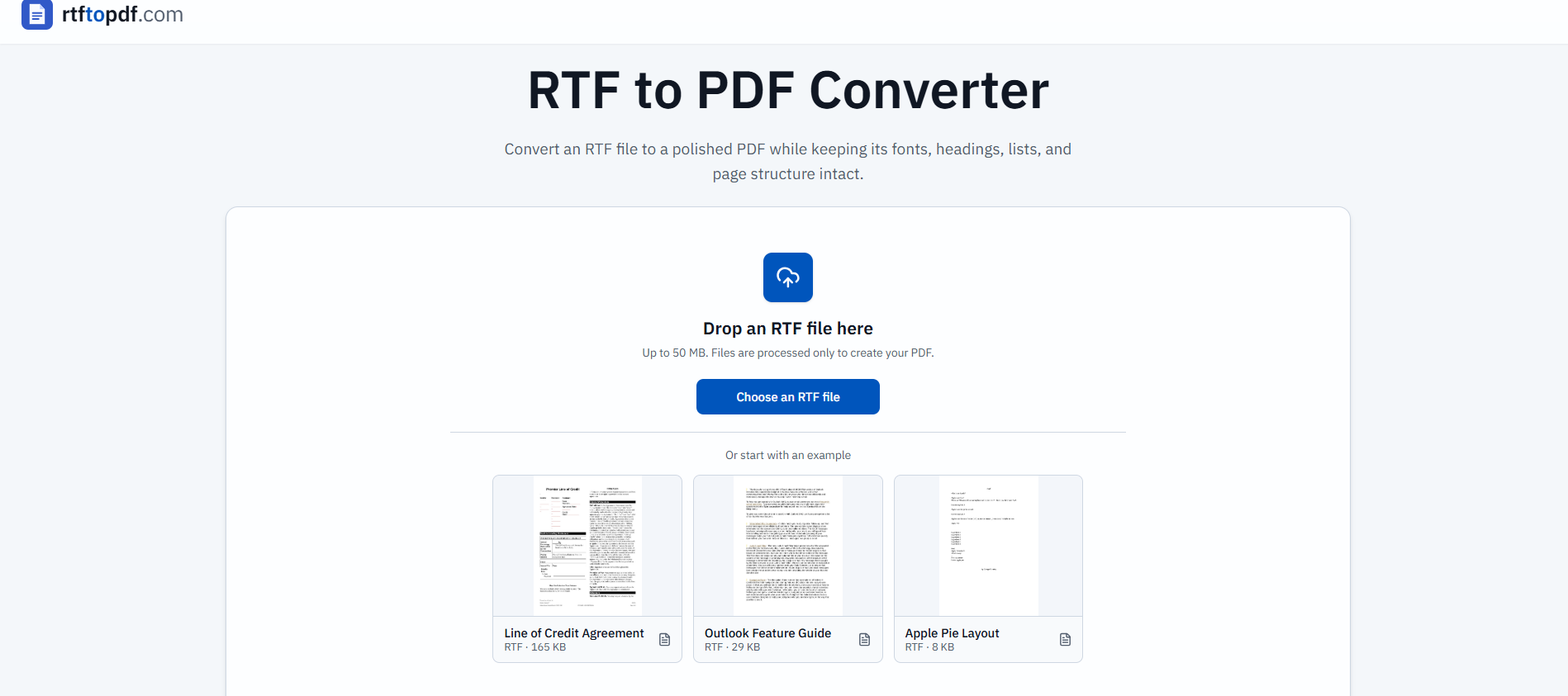
To get started with the RTF to PDF Converter, simply choose your RTF file and select the option to convert it to PDF. The conversion process is straightforward: wait for the document renderer to finish, and then review the PDF in the result panel. This allows you to check for any unexpected page breaks or unsupported styles before downloading the final document.
Here are some key features and benefits of using the RTF to PDF Converter:
No need for Microsoft Word or other desktop applications; the entire process is online.
Preview the converted PDF before downloading to ensure it meets your expectations.
Retain formatting such as headings, lists, and images from the original RTF file.
Convenient for creating stable files that can be easily shared and viewed on various devices.
Ready to see what RTF to PDF Converter can do for you?and experience the benefits firsthand.
Key Features
How to Use
Visit the Website
Navigate to the tool's official website.
Pros & Cons
What's good
What's not good
Pricing
- Basic features for hobbyists and beginners
- Limited credits per month
- No advanced features
- 150 Videos per month
- 4 credits per 5 seconds
- Access to basic models
- 450 Videos per month
- Credits for higher quality models
- Advanced features for professionals and agencies
- 1350 Videos per month
- Premium features and credits
- Best for power users and studios