About Oakleaf 3D
What is Oakleaf 3D?
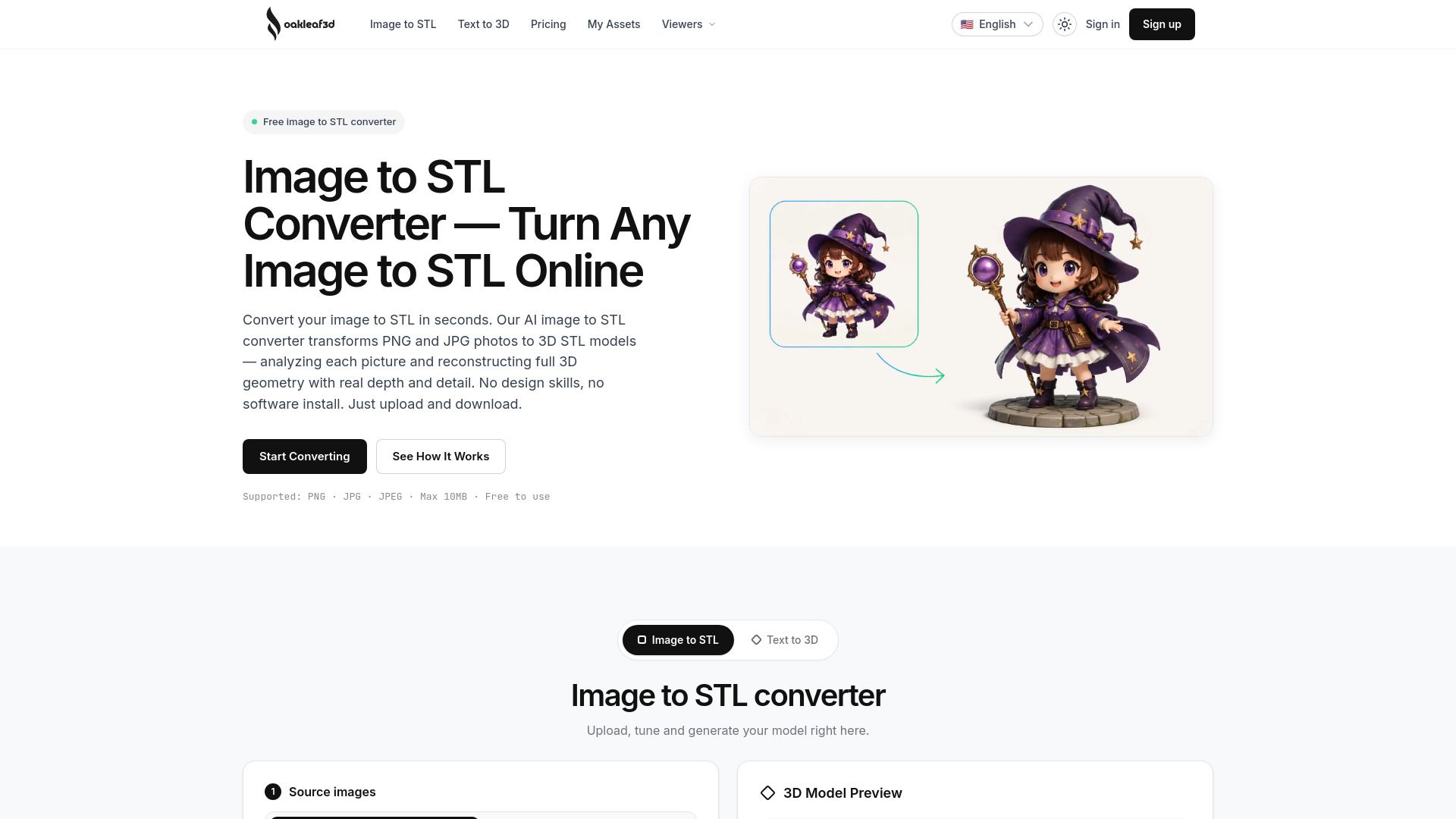
Oakleaf 3D is a free AI image to STL converter that allows users to transform images into 3D models effortlessly. By uploading a PNG or JPG image, the platform's AI analyzes the object's geometry, depth, and proportions to reconstruct a full 3D model, which can then be exported as a download-ready STL file. This automatic process simplifies the creation of 3D models for various applications, including 3D printing and CNC machining.
Key features of Oakleaf 3D include:
AI 3D reconstruction from single photos.
Multi-view accuracy with the option to add up to 8 angles in Ultra mode.
Pro mesh and PBR textures for high-fidelity outputs.
Customizable output settings for faces, topology, and materials.
Real-time 3D preview to inspect models before downloading.
Export of clean, watertight STL files ready for printing.
Oakleaf 3D Features
Oakleaf 3D is an advanced AI-powered image to STL converter that transforms flat 2D images into detailed 3D printable models. Users can upload PNG or JPG images, and the AI analyzes the geometry, depth, and proportions to reconstruct a true 3D model. This process is fully automated, requiring no manual modeling or complex settings, making it accessible for users of all skill levels.
The platform offers several features that enhance its functionality:
AI 3D reconstruction from a single photo or multiple angles for improved accuracy.
Customizable output options, allowing users to tune faces, topology, and materials for optimal print results.
Real-time 3D preview to inspect models before downloading.
Export of clean, watertight STL files ready for 3D printing.
Why Oakleaf 3D?
Oakleaf 3D offers a powerful AI-driven image to STL conversion tool that simplifies the process of creating 3D models from 2D images. Users can upload clear photos in formats like PNG or JPG, and the AI analyzes the geometry, depth, and proportions to generate an accurate 3D model. This automated process not only saves time but also ensures high-quality outputs that are ready for 3D printing, CNC machining, or use in Blender.
Some of the key benefits of using Oakleaf 3D include:
Free initial credits for new users, allowing them to try the service without any upfront cost.
Professional-grade AI technology that guarantees accurate and print-ready models.
Customizable output options, including control over mesh quality and textures.
Real-time 3D preview feature to inspect models before downloading.
Support for multiple user levels, from beginners to professionals, making it accessible for various applications.
How to Use Oakleaf 3D
Getting started with Oakleaf 3D is simple and user-friendly. To convert an image to an STL file, follow these three easy steps: First, upload your image by dragging and dropping a PNG or JPG file (up to 10MB) or by clicking to browse your files. Ensure that your photo is clear and well-lit for the best results. Next, choose the quality and options for your conversion, selecting from Basic, Pro, or Ultra, and set any additional options as needed. Finally, preview your model and download the STL file, ready for 3D printing.
With Oakleaf 3D, you can enjoy several benefits:
Free sign-up credits to start converting images without any payment.
Automatic AI-driven conversion process, eliminating the need for manual modeling.
Support for multiple image formats including PNG, JPG, and JPEG.
Options for different quality levels to suit your needs.
Ready to see what Oakleaf 3D can do for you?and experience the benefits firsthand.
Key Features
How to Use
Visit the Website
Navigate to the tool's official website.
Pros & Cons
What's good
What's not good
Pricing
- 30 free credits on sign-up
- Credits expire 30 days after signup
- No hidden fees
- Ideal for occasional use
- 200 credits
- Never expires
- Pro+ mesh + texture quality
- Full-resolution export
- Unlimited downloads
- 700 credits
- Never expires
- Pro+ mesh + texture quality
- Full-resolution export
- Available for commercial use
- 2,100 credits
- Never expires
- Pro+ mesh + texture quality
- Full-resolution export
- Available for commercial use
- 6,500 credits
- Never expires
- Pro+ mesh + texture quality
- Full-resolution export
- Available for commercial use