About Naimi
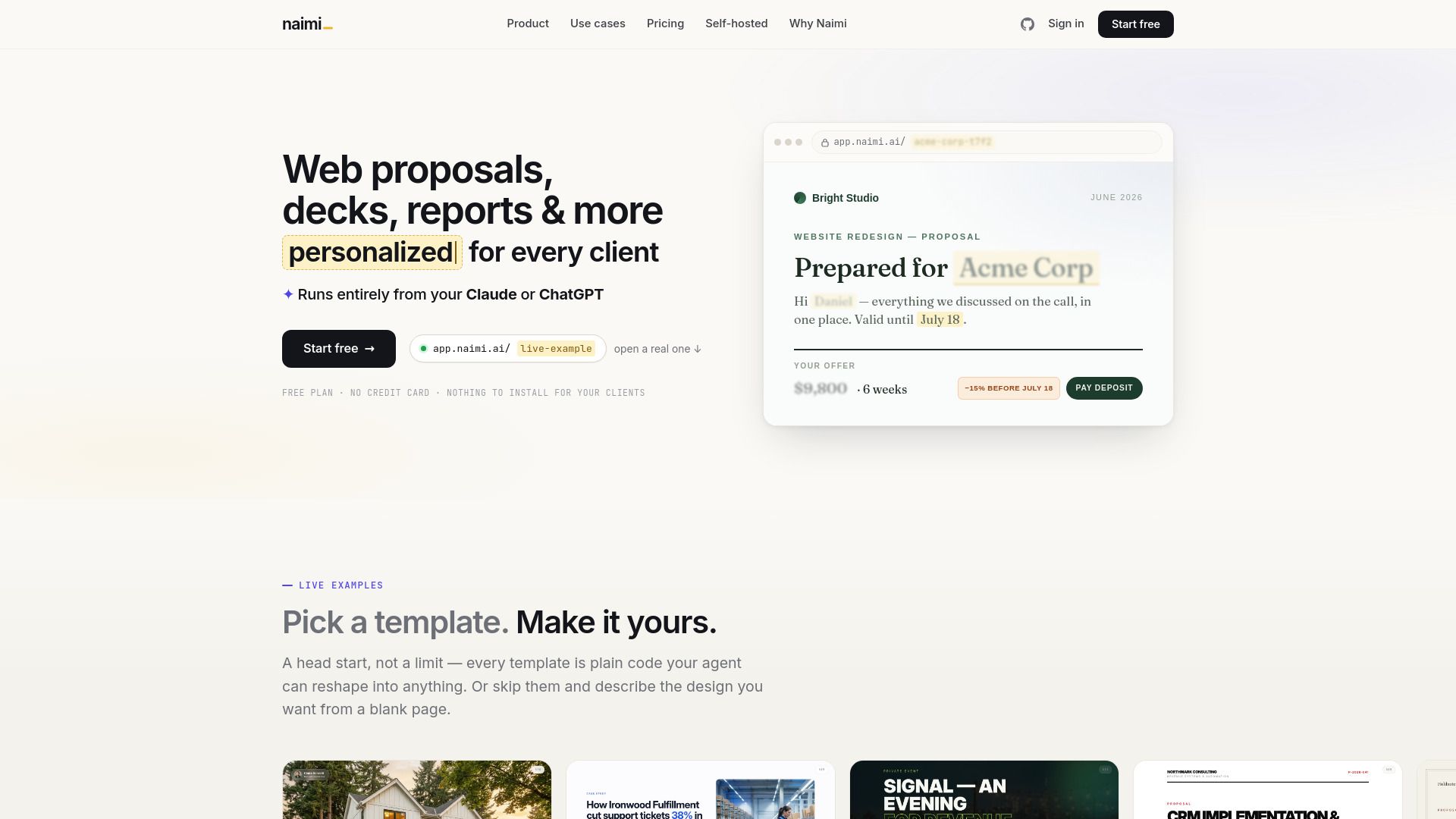
{"What is Naimi?":"Interactive AI-powered web proposals with tracked client links.","How to use Naimi?":"Start from a free template, an existing PDF or PowerPoint, or a blank page. Ask your AI agent to reshape it into a personalized presentation, then send the client a single web link. The client opens it in a browser without installing anything, while you track opens, time spent, and saved interactions.","What is a web presentation?":"A web presentation is a presentation that lives at its own web address instead of inside a file. It opens in any browser and can include slides, prices, calculators, videos, buttons, and forms.","Do clients need an account or an app?":"No. Clients open the link in any browser on phone or laptop with no login, registration, or download.","Can I start from my existing PDF or PowerPoint?":"Yes. You can give Naimi your current deck, a competitor proposal, screenshots, or even a photo of a sketch, and it can rebuild it as an interactive web template.","Which AI tools does Naimi work with?":"It works with agents you already use, including Claude Code, Cursor, Codex, and similar tools.","Do I have to pay for AI usage on top of Naimi?":"No. Template building runs through your own AI agent and subscription, and Naimi does not resell AI tokens with a markup.","Can I run Naimi on my own servers?":"Yes. Naimi offers one-time self-hosted editions with full source and Docker deployment for teams that want to run it on their own infrastructure.","What happens if I downgrade or cancel?":"The presentations you already created keep working. Downgrading only blocks creating new presentations beyond the new plan limits."}
How to Use
Visit the Website
Navigate to the tool's official website.