About Muse Image - 3
What is Muse Image - 3?
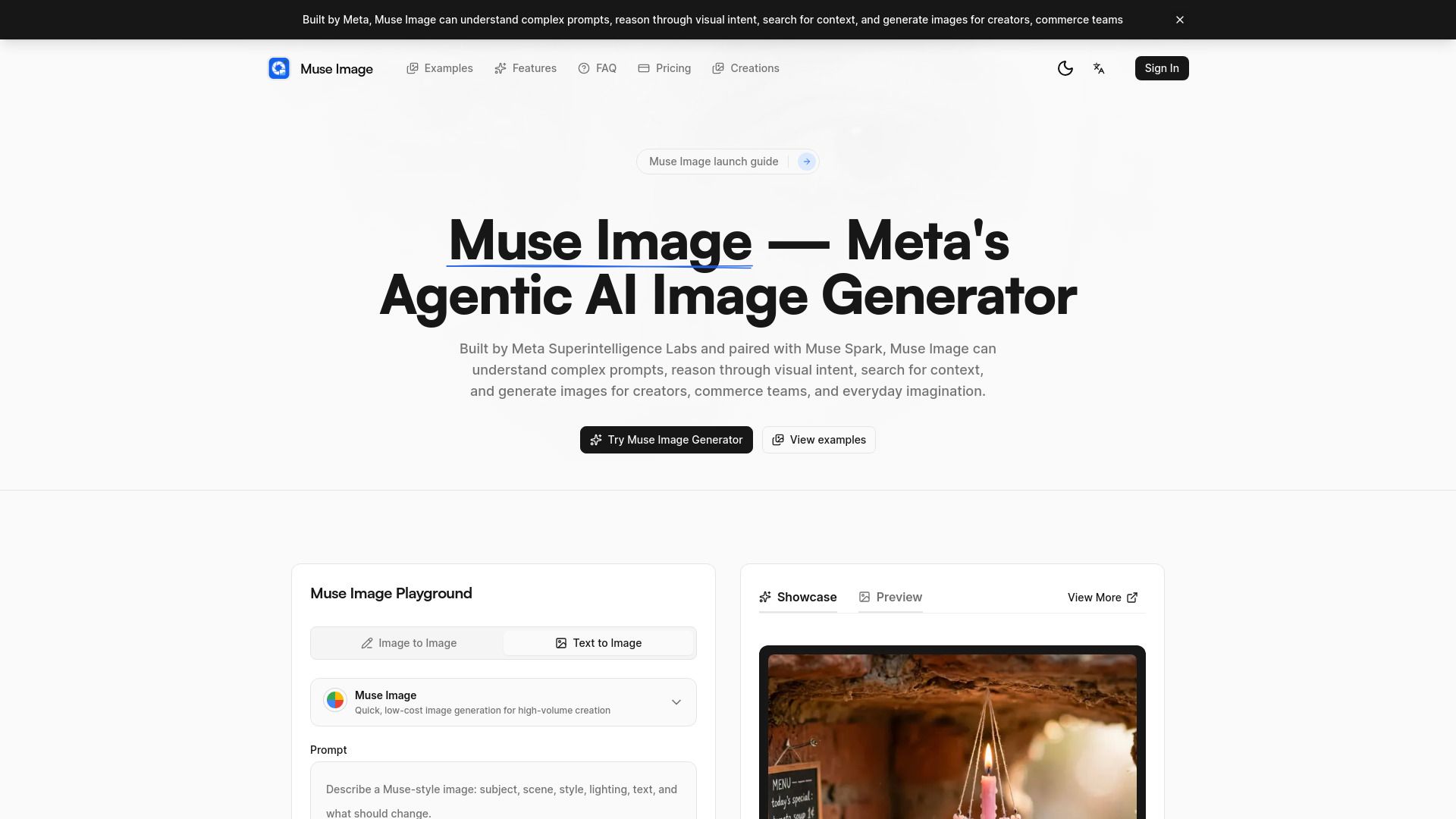
Muse Image - 3 is Meta's innovative agentic AI image generator and editor, designed specifically for creators and commercial use. This advanced tool integrates seamlessly with Meta AI, Instagram, and WhatsApp, enabling users to create high-quality, realistic images directly from natural language prompts.
By utilizing Muse Spark, Muse Image - 3 can comprehend complex requests and visual intent, ensuring that every image produced is tailored to the user's specifications and context.
Muse Image - 3 Features
Muse Image - 3 boasts several cutting-edge features that enhance the image generation process. Key functionalities include draw-to-edit workflows, which allow users to refine images by marking specific areas for targeted adjustments, and multi-photo blending for seamless integration of different images.
High-quality image generation from natural language prompts.
Advanced editing capabilities with paint-over editing.
Clear text rendering for enhanced visual storytelling.
These features make Muse Image - 3 an ideal choice for both casual creators and high-volume commercial production.
Why Muse Image - 3?
Muse Image - 3 stands out from competitors like Midjourney and DALL-E due to its unique agentic workflow. This approach enables the tool to reason through prompts and utilize real-world context, resulting in images that are not only creative but also contextually relevant.
Furthermore, Muse Image - 3 emphasizes accessibility, allowing users to start with 50 free credits for everyday creation, making it a practical option for both hobbyists and professionals.
How to Use Muse Image - 3
Using Muse Image - 3 is straightforward: simply enter a natural language prompt that outlines your desired subject, style, lighting, and mood. If needed, you can also include reference images to enhance the generation process.
Once your image is generated, you can easily refine it by requesting targeted edits or applying different styles. Ready to try?.
How to Use
Visit the Website
Navigate to the tool's official website.