About MakeAD
What is MakeAD?
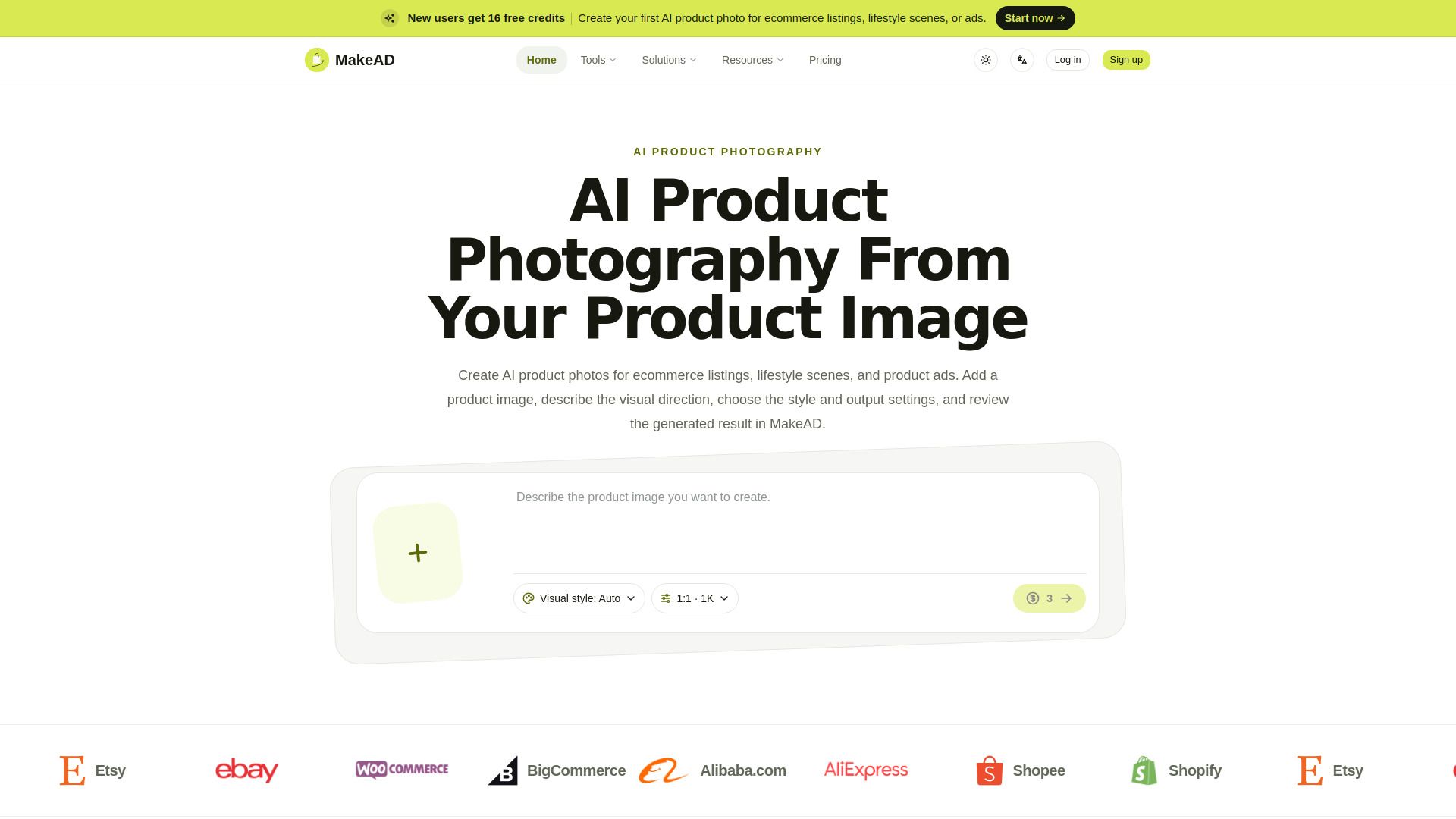
MakeAD is an AI workspace designed to streamline the creation of product content. It allows users to start with a single clear product image and describe the desired scene, composition, or motion in simple language. From this input, MakeAD generates product images or short videos, making it easier for teams to produce consistent and recognizable content across various platforms, including product pages, advertisements, and social media.
Key features of MakeAD include:
Auto and selectable visual styles for diverse creative directions.
Support for various aspect ratios, resolutions, and file formats.
Connection of completed images and videos to their task conversations for easy reuse.
Ability to create polished product photos and ads quickly and efficiently.
MakeAD Features
MakeAD is an AI workspace designed to streamline the creation of product content, allowing users to start with a clear product image and generate new visuals or videos by simply describing the desired scene or composition in plain language. This functionality enables ecommerce teams, brand marketers, founders, and independent creators to efficiently produce a variety of content, from product-page images to engaging advertisements, all while maintaining the integrity of the original product image.
Key features and capabilities of MakeAD include:
Auto and selectable visual styles for image creation.
Support for various aspect ratios, resolutions, and file formats.
Integration of completed images and videos into task conversations for easy access and reuse.
Ability to create polished product images and videos that remain true to the original product identity.
Tools for reviewing, downloading, and using finished work as references for future projects.
Why MakeAD?
MakeAD offers significant advantages for those involved in creating product content regularly, such as ecommerce teams, brand marketers, and independent creators. By maintaining a connection between the product source, creative direction, and finished work, MakeAD ensures that each new asset builds on previously approved content. This continuity not only streamlines the creative process but also enhances the overall quality and consistency of product representation across various platforms.
Utilizing MakeAD provides a clear value proposition, including:
Reusable assets that can be easily found and downloaded for future reference.
The ability to start new projects from a single, clear product image, saving time and effort.
Support for various visual styles, aspect ratios, and file formats, making it versatile for different marketing needs.
AI-driven tools that facilitate quick exploration and production while ensuring the final output aligns with the actual product.
How to Use MakeAD
To get started with MakeAD, begin by uploading a clear product image that you want to enhance or modify. Once your image is uploaded, you can describe the desired scene, composition, or motion using plain language. This intuitive approach allows you to create product images or short videos tailored to your needs. The platform is designed to streamline the process of generating product content, making it easier to start and continue your projects.
MakeAD also ensures that your creative direction remains connected to the original product image, allowing for consistency across various marketing channels. As you create new assets, you can easily review, download, and reuse finished results as references for future projects. This feature not only saves time but also helps maintain a cohesive brand identity.
Ready to see what MakeAD can do for you?and experience the benefits firsthand.
Key Features
How to Use
Visit the Website
Navigate to the tool's official website.
Pros & Cons
What's good
What's not good
Pricing
- 26,400 credits / year
- Up to 5,280 2K images or 128 standard videos
- Watermark-free downloads
- Commercial usage rights
- 69,600 credits / year
- Up to 13,920 2K images or 339 standard videos
- Higher-volume generation allowance
- Watermark-free commercial exports
- 144,000 credits / year
- Up to 28,800 2K images or 702 standard videos
- Maximum generation allowance
- Watermark-free commercial exports