About Keystroke
What is Keystroke?
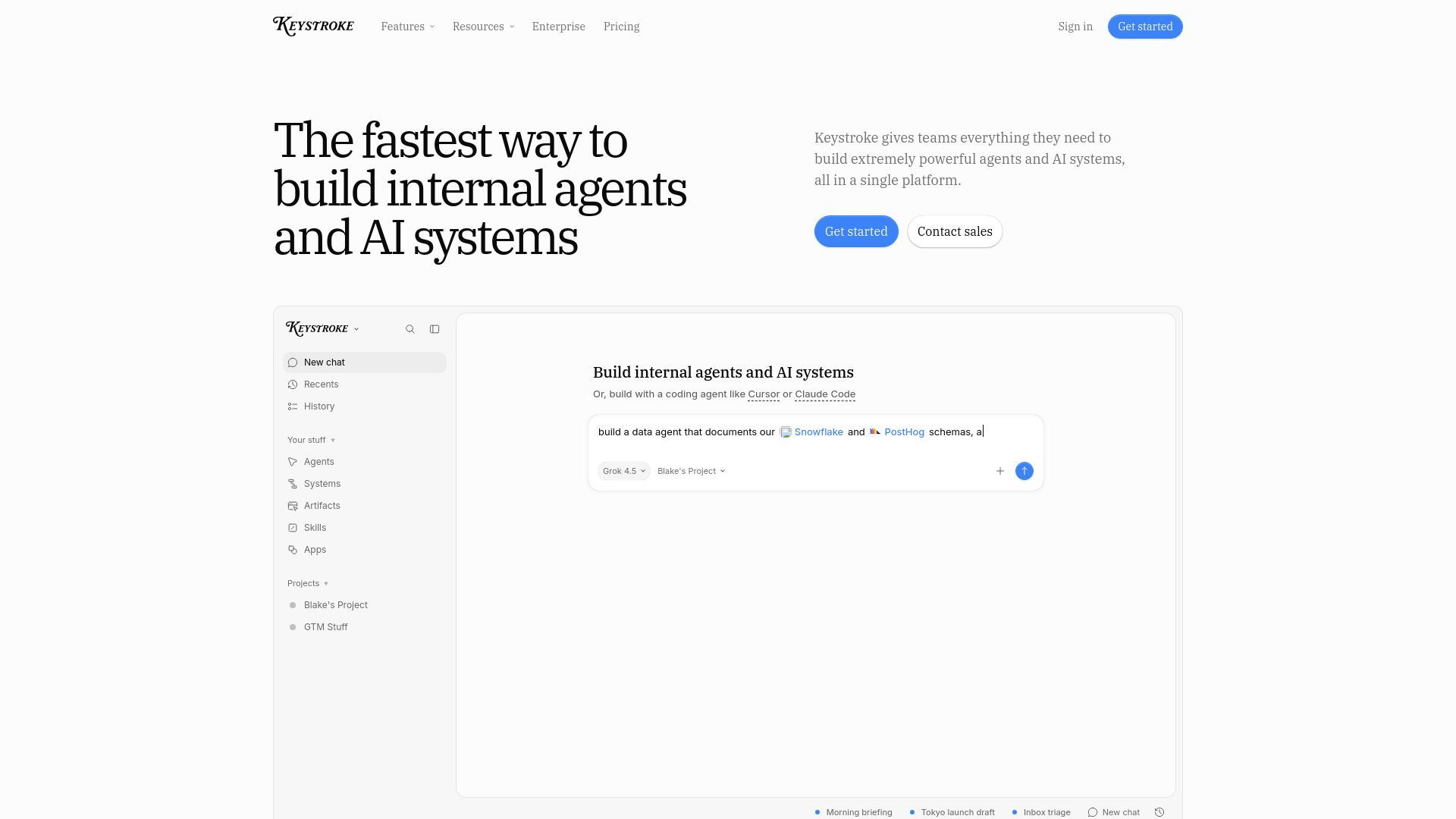
Keystroke is a platform designed to empower teams to build internal agents and AI systems efficiently. It provides a comprehensive environment where users can create, deploy, and manage agents that can perform various tasks across different applications, such as Gmail, Google Calendar, Linear, and Slack. The platform emphasizes transparency and flexibility, allowing users to define their agents in plain TypeScript, ensuring that there are no hidden processes or platform lock-ins.
With Keystroke, users can take advantage of a range of features that enhance productivity and collaboration. Some of the key benefits include:
Easy deployment of agents from your own repository.
Integration with multiple applications and services.
Control over costs with a pay-as-you-go model.
Support for both technical and non-technical teams.
Ability to build agents with memory and persistent workspaces.
Keystroke Features
Keystroke is a comprehensive platform designed to empower teams in building powerful internal agents and AI systems. It provides a seamless environment where users can create agents that possess memory, a persistent workspace, and the necessary tools to perform real tasks. With Keystroke, users can integrate various applications such as Gmail, Google Calendar, Linear, and Slack, allowing agents to interact with these services effectively.
The platform offers a range of features and capabilities that enhance the functionality of the agents built within it:
Build agents using plain TypeScript, ensuring transparency and ease of code management.
Deploy agents directly from your own repository, maintaining control over your codebase.
Utilize triggers, schedules, and webhooks to automate workflows.
Access APIs, apps, and integrations with existing tools for enhanced functionality.
Monitor logs and run history for better observability and debugging.
Why Keystroke?
Keystroke offers a powerful platform for building internal agents and AI systems, providing teams with everything they need in a single solution. This streamlined approach not only enhances productivity but also simplifies the development process, allowing users to focus on creating effective agents without the hassle of managing multiple tools.
Some of the key benefits of using Keystroke include:
Cost control: Pay only for the usage of agents and workflows, ensuring that you stay within budget.
Flexibility: Build and deploy agents using plain TypeScript, allowing for easy version control and integration with existing systems.
Advanced features: Access to role-based controls, agent guardrails, and unlimited concurrency for enterprise-grade security and performance.
Comprehensive support: Enjoy priority access to support and resources to help you maximize the platform's capabilities.
How to Use Keystroke
To get started with Keystroke, you can begin by creating your first agent, like Timmy. This involves defining the agent in plain TypeScript, which allows for easy version control and deployment. You can deploy your agent using the commandkeystroke deploy --filter agents/timmy, making it live and ready to perform tasks.
Keystroke offers a user-friendly environment for both technical and non-technical teams. Here are some features that can help you in your journey:
Build agents and workflows from your own repository.
Utilize triggers, schedules, and webhooks for automation.
Integrate with various APIs and applications seamlessly.
Access logs and run history for better monitoring.
Ready to see what Keystroke can do for you?and experience the benefits firsthand.
Key Features
How to Use
Visit the Website
Navigate to the tool's official website.
Pros & Cons
What's good
What's not good
Pricing
- Build agents & workflows
- Deploy from your own repo
- Triggers, schedules, & webhooks
- APIs, apps, and MCP integrations
- Logs & run history
- All Hobby features
- $20 of included usage credit
- 50GB of file storage
- Higher concurrency limits
- Priority early access support
- All Pro features
- Advanced usage & spend limits
- Role based access controls
- Agent guardrails & controls
- Unlimited runs