
About Jobing AI
What is Jobing AI?
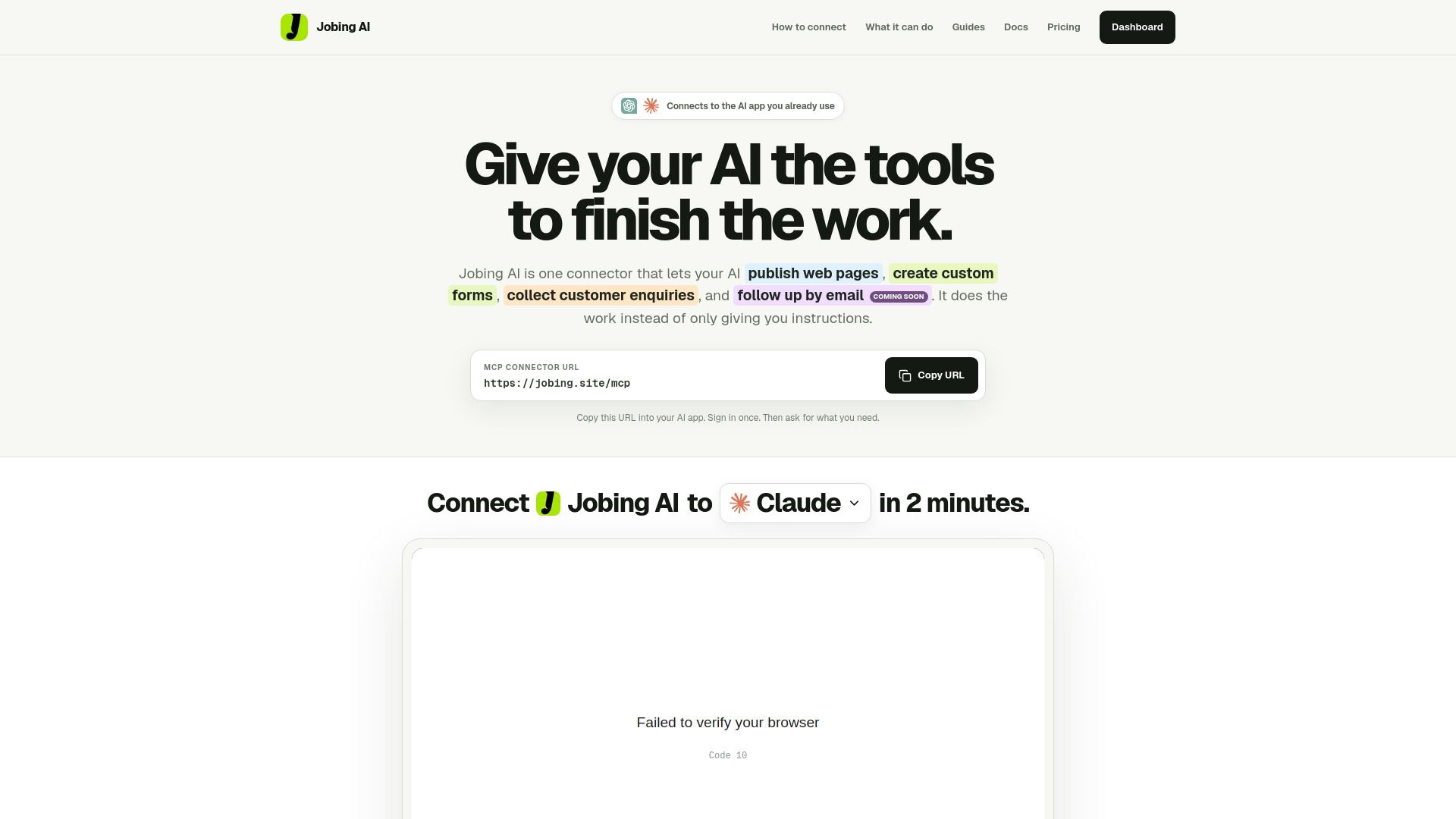
Jobing AI is a versatile AI application designed to streamline the process of creating and managing web pages and custom forms. By integrating various functionalities into a single platform, it allows users to publish web pages, collect responses, and manage customer interactions seamlessly. With Jobing AI, users can initiate a project with a single prompt and receive a fully developed customer journey, eliminating the need for multiple applications and manual handoffs.
The platform offers a user-friendly dashboard where all created work is easily accessible. Users can view, edit, and share their published web pages and manage customer responses from forms in one centralized location. This integration not only simplifies the workflow but also enhances productivity by reducing the complexity of managing separate tools.
Single prompt to create and manage web pages and forms.
Centralized dashboard for easy access to all projects.
Streamlined customer response management.
Integration with existing AI applications for enhanced functionality.
Jobing AI Features
Jobing AI is a powerful connector that streamlines the process of creating and managing web pages and custom forms. By allowing users to interact with their AI through a single prompt, Jobing AI eliminates the need for multiple applications and manual handoffs, significantly simplifying the workflow. Users can ask once and receive a finished customer journey, which includes a live page ready to share and a custom form that matches the page.
With Jobing AI, you can:
Publish web pages effortlessly.
Create custom forms tailored to your needs.
Collect customer responses in a centralized inbox.
Follow up with customers via email (coming soon).
Connect seamlessly to existing AI applications.
Why Jobing AI?
Jobing AI offers a streamlined approach to managing customer journeys by consolidating multiple tasks into a single prompt. Instead of juggling various applications for building pages, forms, and connecting databases, users can simply ask Jobing AI once and receive a fully finished product. This not only saves time but also reduces the complexity of managing separate tools and potential points of failure.
The value proposition of Jobing AI lies in its ability to simplify workflows and enhance productivity. Users can benefit from:
One connector for all tasks, eliminating the need for multiple apps.
A dashboard that allows easy management of published pages and forms.
Standard support and simple pricing, making it accessible for both individuals and teams.
Free initial usage with the option to upgrade as needs grow.
How to Use Jobing AI
To get started with Jobing AI, first, you need to connect it to your preferred AI application. Begin by copying the Jobing AI MCP link from the provided URL:. Once you have the link, sign in to your AI app and create a custom connector by pasting the MCP link. Make sure to name the connector "Jobing AI" and save it. After that, review the permissions and allow access to enable Jobing AI in your chat.
Once connected, you can easily utilize Jobing AI to streamline your tasks. Simply select Jobing AI from the connector menu and ask it to create or manage your work. Here are some key features you can take advantage of:
Publish web pages and create custom forms.
Collect customer inquiries and manage responses from a single conversation.
Receive finished work with just one prompt, eliminating the need for multiple apps.
Ready to see what Jobing AI can do for you?and experience the benefits firsthand.
Key Features
How to Use
Visit the Website
Navigate to the tool's official website.
Pros & Cons
What's good
What's not good
Pricing
- 25 pages + 25 forms
- View 5,000 responses / month
- 1 custom domain
- 25 published custom forms
- Standard support
- 100 pages + 100 forms
- View 25,000 responses / month
- 5 custom domains
- 100 published custom forms
- Priority support