About GPT Image 2.5 - reapi
What is GPT Image 2.5 - reapi?
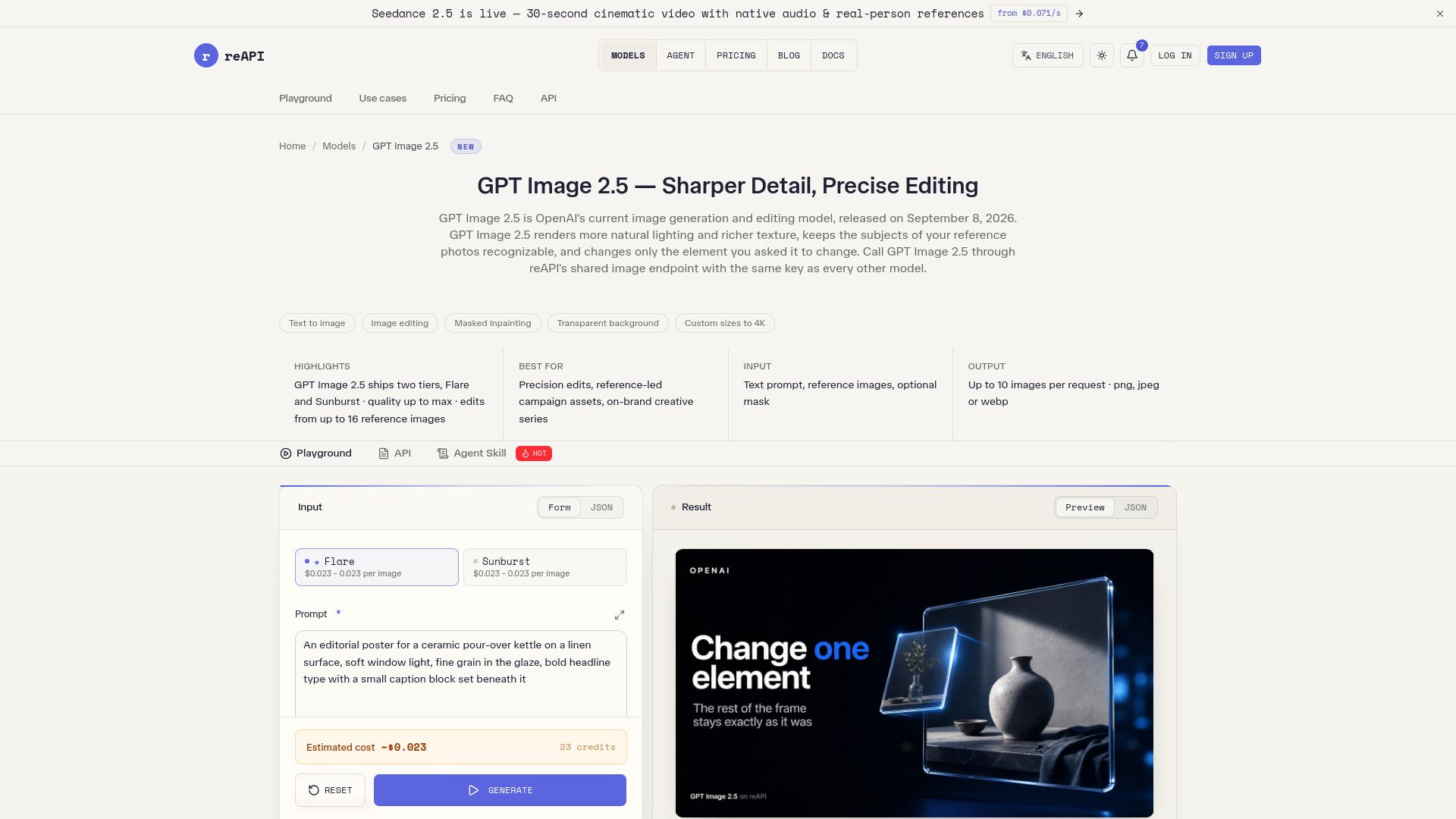
GPT Image 2.5 is an advanced image generation model that enhances the quality and realism of generated images. It produces more natural lighting and richer textures, ensuring that the subjects of reference photos are preserved more reliably. This model allows for precise edits by focusing only on the specified elements while maintaining the surrounding composition, which is particularly beneficial for complex layouts, including those with transparent backgrounds.
Accessible through reAPI, GPT Image 2.5 utilizes the same image endpoint and task lifecycle as other models in the catalog. It supports various output formats and sizes, including custom dimensions up to 4K resolution, and offers a real alpha channel for transparent backgrounds. Users can also choose from multiple quality settings to optimize their images based on the level of detail required.
Natural lighting and richer textures
Preservation of reference photo subjects
Focused edits on named elements
Support for complex layouts and transparent backgrounds
Custom sizes up to 4K resolution
Multiple quality settings for optimized output
GPT Image 2.5 - reapi Features
GPT Image 2.5 offers enhanced capabilities for image generation and editing, producing more natural lighting and richer textures. It reliably preserves the subjects of reference photos and allows for precise edits by only modifying the specified elements while maintaining the surrounding composition. This model can handle complex layouts, including transparent backgrounds, and introduces two additional quality tiers above high, catering to detail-critical work.
Accessible through reAPI, GPT Image 2.5 utilizes the same image endpoint, API key, and task lifecycle as other models in the catalog. Users can benefit from its features, which include:
Six quality tiers, including xhigh and max for detailed work.
Support for both text-to-image and reference editing modes.
Ability to return images with a real alpha channel for transparency.
Customizable image sizes with specific aspect ratio requirements.
Why GPT Image 2.5 - reapi?
GPT Image 2.5 offers significant advantages for users looking to enhance their image generation and editing capabilities. With its ability to produce more natural lighting and richer textures, it ensures that the final output meets high aesthetic standards. Additionally, the model preserves the subjects of reference photos more reliably, making it an ideal choice for projects that require fidelity to original images.
One of the standout features of GPT Image 2.5 is its precision in editing. Users can specify a single element to edit, and the model will only modify that part while maintaining the surrounding composition. This capability allows for seamless updates without the need to rebuild the entire asset, saving both time and resources. Furthermore, GPT Image 2.5 supports more complex layouts, including transparent backgrounds, and introduces two additional quality tiers above high, catering to detail-critical work.
Natural lighting and richer textures for enhanced visual appeal.
Reliable preservation of subjects from reference photos.
Targeted edits that maintain surrounding composition integrity.
Support for complex layouts and transparent backgrounds.
Two additional quality tiers (xhigh and max) for superior detail.
How to Use GPT Image 2.5 - reapi
To get started with GPT Image 2.5 through reAPI, you will need to create a key and utilize the shared image edits feature. This allows you to call GPT Image 2.5 using the same image endpoint, key, and task lifecycle as other models in the catalog. The process is straightforward and designed to provide enhanced fidelity and control over your image generation tasks.
Here are some key features and benefits of using GPT Image 2.5:
Produces more natural lighting and richer textures.
Preserves the subjects of reference photos more reliably.
Edits only the specified elements while maintaining the surrounding composition.
Handles complex layouts, including transparent backgrounds.
Offers two quality tiers above high for improved output.
Ready to see what GPT Image 2.5 - reapi can do for you?and experience the benefits firsthand.
Key Features
How to Use
Visit the Website
Navigate to the tool's official website.
Pros & Cons
What's good
What's not good
Pricing
- Basic features
- Limited usage
- Community support
- Try out the platform
- Enough for a few hundred image generations
- Up to 3 projects
- 1 GB storage
- Basic analytics
- Community support
- Unlimited projects
- 10 GB storage
- Advanced analytics
- Priority support
- Custom domains
- All Pro features
- 100 GB storage
- Dedicated support
- Enterprise-grade security
- Advanced integrations
- No subscription
- No minimums
- Credits never expire
- Pay only for the calls you make
- Failed generations are refunded