About GPT Image 2.5 AI
What is GPT Image 2.5 AI?
GPT Image 2.5 is OpenAI's advanced image model, introduced on September 8, 2026, as the successor to GPT Image 2. This model enhances the quality of generated images by providing more natural lighting, richer textures, and better preservation of subjects from reference photos. Additionally, it boasts up to 50% lower generation latency, making it a more efficient tool for users.
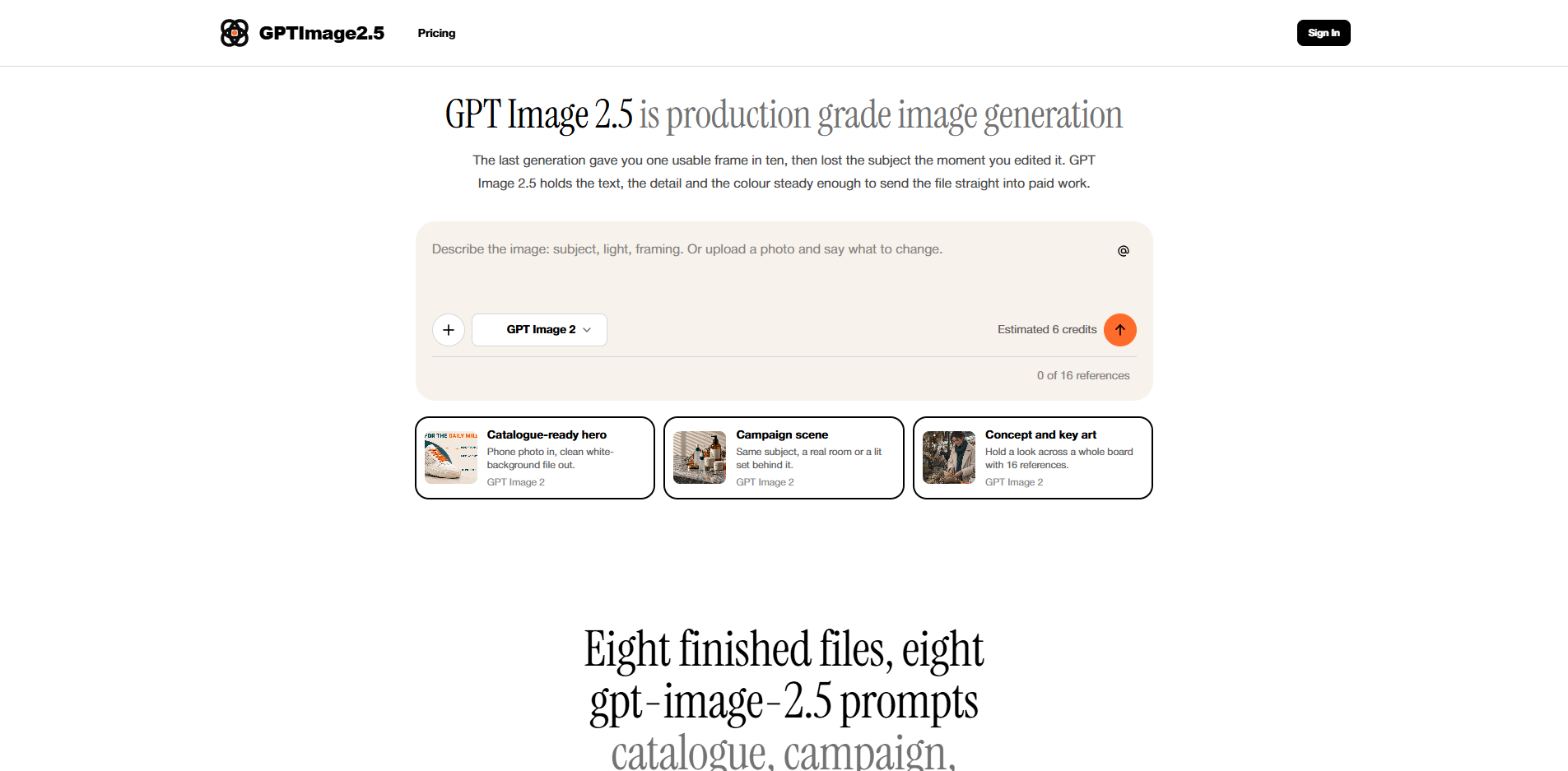
GPT Image 2.5 is designed for commercial use, allowing users to create high-quality images for various applications such as catalogues, campaigns, and key art. The platform offers a straightforward interface where users can input prompts and receive their rendered images directly, streamlining the creative process.
Natural lighting and richer textures in generated images.
Improved subject preservation from reference photos.
Up to 50% lower generation latency.
Commercial output capabilities for various applications.
Simple interface for prompt input and image retrieval.
GPT Image 2.5 AI Features
GPT Image 2.5 is OpenAI's advanced image model, designed to enhance the quality and efficiency of image generation. Announced on September 8, 2026, it features more natural lighting, richer textures, and improved preservation of subjects from reference photos. Additionally, it boasts up to 50% lower generation latency compared to its predecessor, GPT Image 2. This model is available in two separate versions for API use: gpt-image-2.5-flare and gpt-image-2.5-sunburst.
One of the key functionalities of GPT Image 2.5 is its ability to edit existing images. Users can upload an image and specify changes such as background replacement, cropping adjustments, light modifications, or label corrections. This model is particularly beneficial for commercial use, as it allows for consistent product representation across multiple edits, although some fine details may still vary. The service is designed for straightforward use, enabling users to write prompts, select crops, and receive files without navigating complex settings.
Natural lighting and richer textures for enhanced image quality.
Faster generation times with up to 50% lower latency.
Image editing capabilities, including background changes and light adjustments.
Commercial use allowed with no visible watermarks on downloaded images.
Consistent subject representation with reference images for multiple edits.
Why GPT Image 2.5 AI?
GPT Image 2.5 offers significant advantages for users looking to create high-quality images efficiently. With improvements in natural lighting, richer textures, and better preservation of subjects from reference photos, it enhances the overall visual appeal of generated images. Additionally, the model boasts up to 50% lower generation latency, allowing for quicker turnaround times on projects.
Using GPT Image 2.5 commercially is straightforward, as every paid plan includes commercial use without visible watermarks on downloaded images. This makes it ideal for advertising, packaging, editorial, and marketplace work. Users can also edit existing images by simply uploading them and describing the desired changes, making it a versatile tool for various creative needs.
Improved natural lighting and texture for more realistic images.
Faster image generation with up to 50% lower latency.
Commercial use included in all paid plans, with no watermarks.
Ability to edit existing images easily.
How to Use GPT Image 2.5 AI
Getting started with GPT Image 2.5 is straightforward. You can begin by writing a prompt on the designated page to see the output generated by the model without needing to provide a payment method. This allows you to explore the capabilities of GPT Image 2.5 before committing to any costs. However, keep in mind that credits will be required for higher resolution outputs, such as 4K images, or when requesting batches of images.
To effectively use GPT Image 2.5, follow these steps:
Write a clear and concise prompt describing the image you want to generate.
Upload any existing images if you wish to make edits, and specify the changes needed.
Review the output and adjust your prompts as necessary to refine the results.
Ready to see what GPT Image 2.5 AI can do for you?and experience the benefits firsthand.
How to Use
Visit the Website
Navigate to the tool's official website.
Pros & Cons
What's good
What's not good
Pricing
- 250 credits
- ≈ 17–83 images, depending on the model
- 3.20¢ / credit
- Up to 4K
- No watermark
- 1,000 credits
- ≈ 71–333 images, depending on the model
- 2.99¢ / credit
- 2 parallel tasks
- No watermark
- 2,000 credits
- ≈ 142–666 images, depending on the model
- 2.50¢ / credit
- 3 parallel tasks
- No watermark
- 5,000 credits
- ≈ 357–1666 images, depending on the model
- 1.80¢ / credit
- 5 parallel tasks
- No watermark
- 12,000 credits
- ≈ 857–4000 images, depending on the model
- 1.99¢ / credit
- 2 parallel tasks
- Credits stay valid for 12 months
- 24,000 credits
- ≈ 1714–8000 images, depending on the model
- 1.75¢ / credit
- 3 parallel tasks
- Credits stay valid for 12 months
- 60,000 credits
- ≈ 4285–20000 images, depending on the model
- 1.26¢ / credit
- 5 parallel tasks
- Credits stay valid for 12 months