About FigEditor
What is FigEditor?
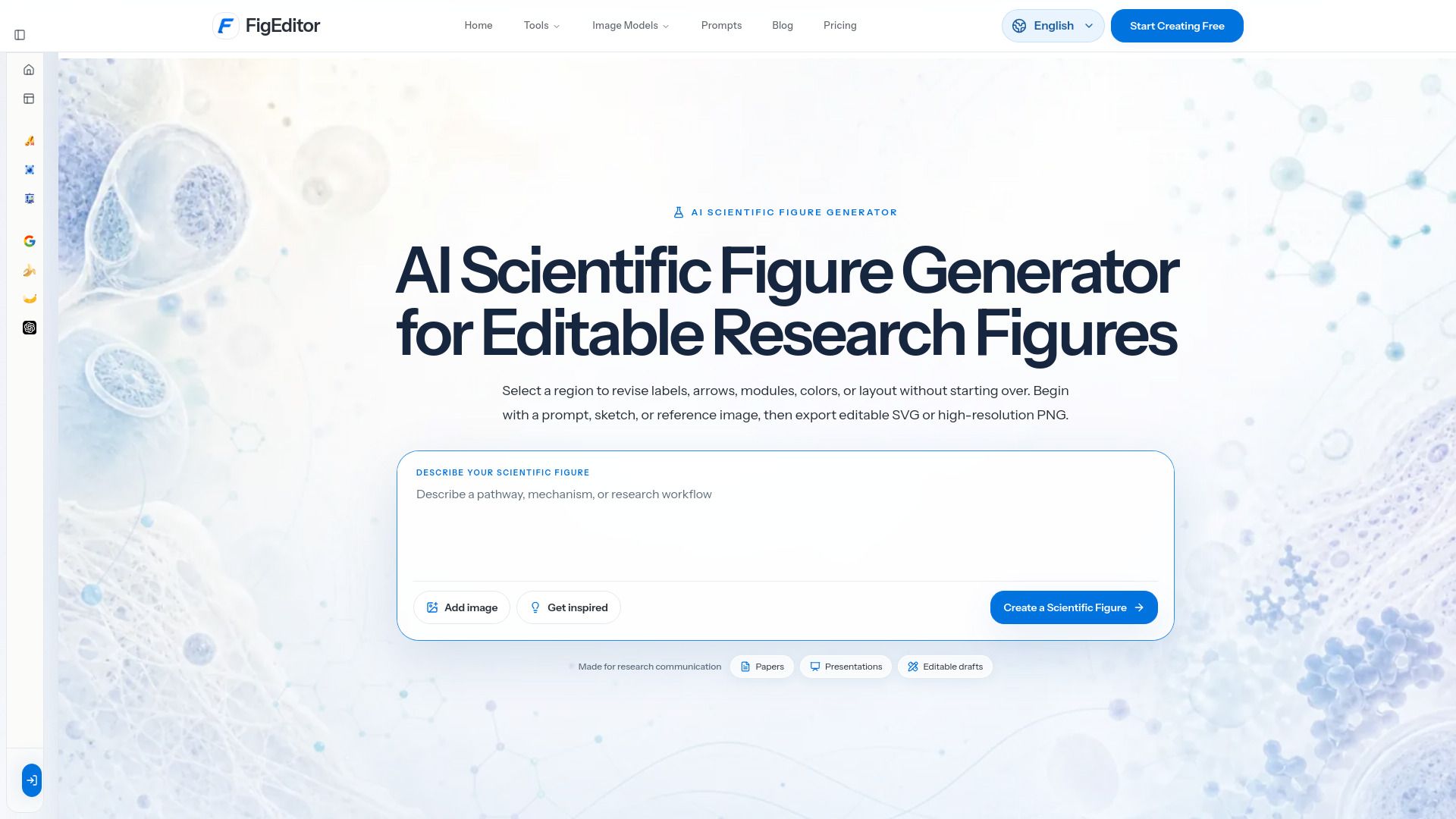
FigEditor is an innovative tool designed to assist researchers in transforming text, sketches, and references into clear, editable scientific figures suitable for papers, posters, and presentations. It streamlines the process of creating high-quality visuals that enhance the communication of scientific ideas.
With FigEditor, users can take advantage of various features that enhance their figure creation experience, including:
Detailed prompts and reusable example starting points
Multiple image models, cover ratios, and up to 4K output
Title-safe artwork that can be refined within the platform
FigEditor Features
FigEditor is designed to assist researchers in transforming text, sketches, and references into clear, editable scientific figures suitable for papers and posters. It offers a range of features that enhance the creation and refinement of scientific visuals.
Key capabilities of FigEditor include:
Detailed prompts and reusable example starting points to guide users in their design process.
Support for multiple image models, cover ratios, and output resolutions up to 4K.
Creation of title-safe artwork that can be further refined within the FigEditor platform.
Why FigEditor?
FigEditor offers a comprehensive solution for researchers looking to create and refine scientific figures. By combining generation, refinement, vectorization, and export capabilities in a single browser-based workspace, it streamlines the process of turning text, sketches, and references into clear, editable figures suitable for papers and posters.
The value proposition of FigEditor lies in its ability to enhance productivity and creativity. Users can benefit from:
Detailed prompts and reusable example starting points to kickstart their projects.
Access to multiple image models and cover ratios, with output resolutions of up to 4K.
Title-safe artwork that can be easily refined within the FigEditor environment.
How to Use FigEditor
To get started with FigEditor, you can easily install it on your desktop or add it to your Home Screen for quick access. For iOS users, simply tap the Share button in your browser and choose 'Add to Home Screen' to keep FigEditor alongside your other apps.
Once you have FigEditor installed, you can utilize its features to create stunning journal covers. The journal cover maker allows you to turn a written art direction into title-safe cover artwork. You can choose from various image models, editorial styles, and set the desired ratio and resolution before sending the result to FigEditor for further refinement.
Detailed prompts and reusable example starting points
Multiple image models, cover ratios, and up to 4K output
Title-safe artwork you can refine in FigEditor
Ready to see what FigEditor can do for you?and experience the benefits firsthand.
Key Features
How to Use
Visit the Website
Navigate to the tool's official website.
Pros & Cons
What's good
What's not good
Pricing
- Get Started For Free
- Includes paid feature access
- Watermark-free downloads
- Cancel anytime
- Grants a new credit allowance while active
- Credits never expire
- Advanced figure tools
- Cancel anytime
- One-time purchase
- Credits never expire
- Watermark-free downloads
- Advanced workflows