About Duply
What is Duply?
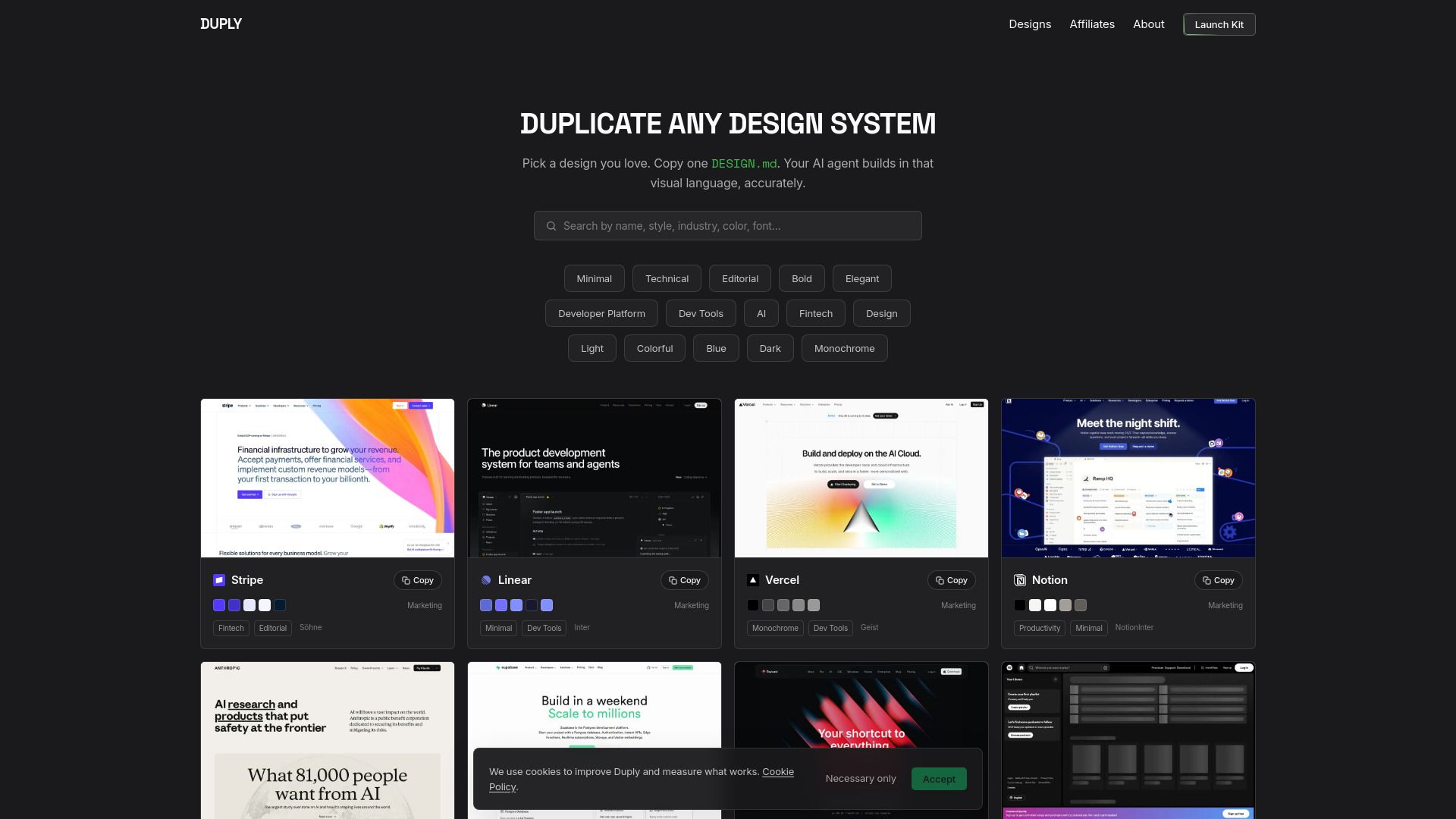
Duply is a platform that provides real-world design systems documented as ready-to-use DESIGN.md files and agent prompts. It allows users to select a design they love, copy a single file, and have their AI coding agent build in that specific visual language.
With Duply, users can easily access a full library of decoded design systems, streamlining the process of integrating design into their projects. This innovative approach enhances productivity and ensures consistency in design implementation.
Duply Features
Duply is an innovative tool that allows users to seamlessly integrate design systems into their projects. By simply copying a DESIGN.md file from a real design system, users can leverage the capabilities of an AI coding agent that builds in the specified visual language. This functionality streamlines the design-to-development process, making it easier for teams to maintain consistency and efficiency.
With Duply, users can browse a comprehensive library of decoded design systems, enabling them to select the most suitable design language for their needs. This feature not only enhances productivity but also ensures that the final output aligns with the desired aesthetic and functional requirements.
Copy and integrate DESIGN.md files from real design systems.
Utilize an AI coding agent to build in various design languages.
Access a full library of decoded design systems for easy selection.
Streamline the design-to-development workflow for improved efficiency.
Why Duply?
Duply offers a unique value proposition by transforming real-world design systems into ready-to-use DESIGN.md files. This allows users to easily pick a design they love, copy a file, and have their AI agent build in that specific visual language. This streamlined process not only saves time but also ensures consistency in design across projects.
Some of the key benefits of using Duply include:
Access to a library of documented design systems, making it easy to find inspiration and resources.
Free access to the platform, allowing users to experiment without financial commitment.
Efficient integration of design tokens, typography, spacing, and components into projects.
How to Use Duply
Getting started with Duply is simple and intuitive. To begin, browse the library of real-world design systems documented as ready-to-use DESIGN.md files. Once you find a design that resonates with you, simply copy the corresponding DESIGN.md file. Your AI agent will then utilize this file to build in that specific visual language, ensuring a seamless integration of design elements.
Here are some key features to help you get started:
Access a wide range of design systems documented as DESIGN.md files.
Copy any design file you love to use as a foundation for your project.
Leverage your AI agent to build in the exact visual language of the design system.
Ready to see what Duply can do for you?and experience the benefits firsthand.
Key Features
How to Use
Visit the Website
Navigate to the tool's official website.