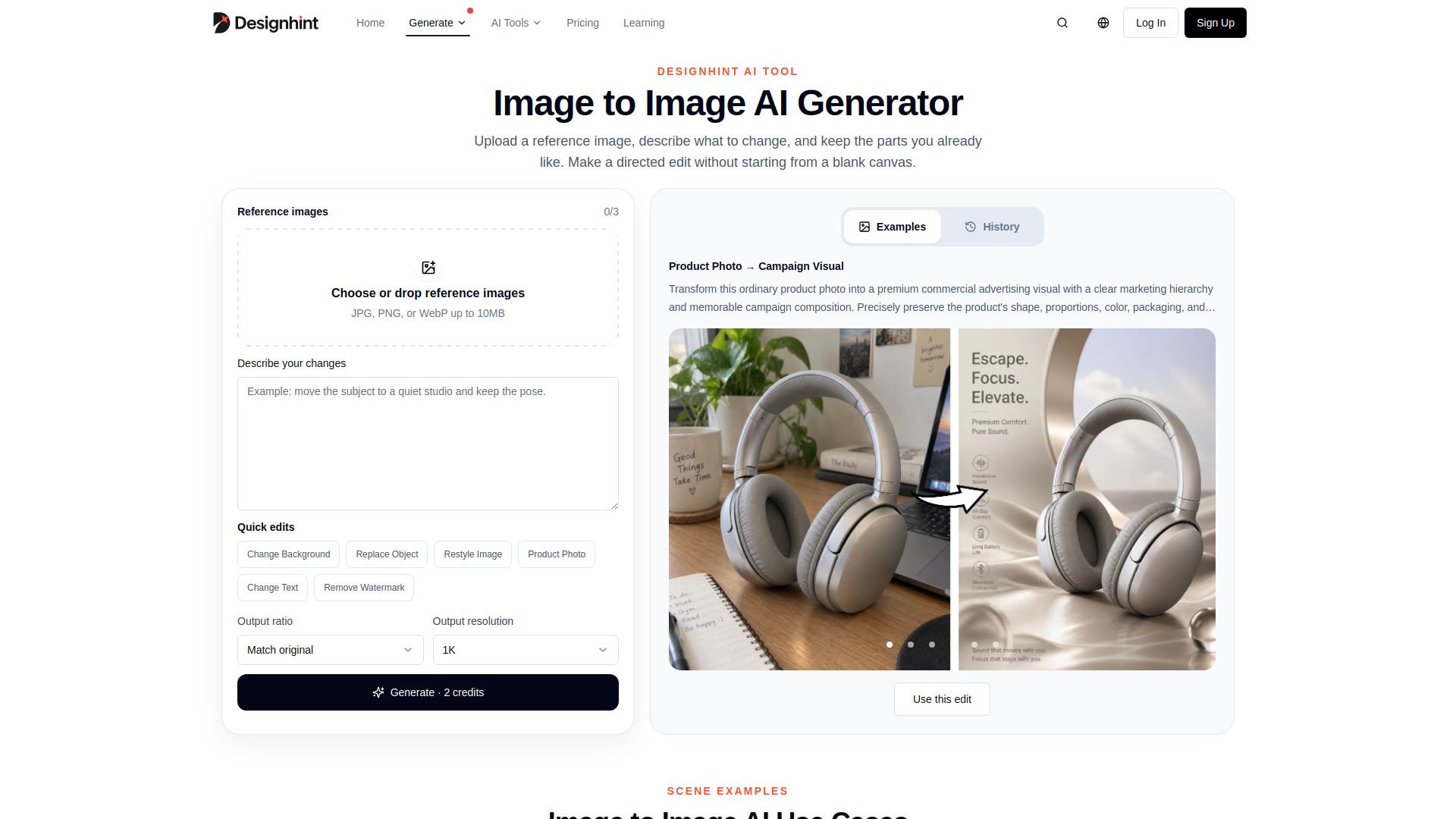
About Designhint Image to Image AI
What is Designhint Image to Image AI?
Designhint Image to Image AI, also known as Image2Image or img2img, is a powerful tool that allows users to transform existing images by describing the desired changes in plain language. This innovative approach enables designers to start with a reference image rather than a blank canvas, making it easier to maintain elements they like while modifying others.
With the Image to Image AI generator, users can upload reference images and specify what they want to change. The AI then processes these instructions to create a new version of the image. This tool is particularly useful for creating controlled variations, such as portraits, product photos, or combining subjects with different settings.
Transform reference images with specific changes while retaining preferred elements.
Utilize plain language for instructions, eliminating the need for special syntax.
Review before and after results to ensure satisfaction with modifications.
Designhint Image to Image AI Features
Designhint Image to Image AI, also known as img2img, allows users to transform existing images by specifying desired changes while retaining elements they like. This functionality is particularly useful for creating variations of portraits and controlled settings, enabling users to maintain the original face, pose, and camera angle while altering other aspects of the image.
With Designhint Image to Image AI, users can upload reference images and provide plain language descriptions of the modifications they wish to make. The AI then generates a new version of the image based on these instructions. Key features include:
Ability to change one visible decision at a time for precise editing.
Support for various image formats including JPG, PNG, and WebP up to 10MB.
Options to change backgrounds, replace objects, restyle images, and modify text.
Iterative editing process that allows users to review before and after results.
Why Designhint Image to Image AI?
Designhint Image to Image AI offers a unique approach to image transformation by allowing users to start with an existing image rather than beginning from scratch. This method is particularly beneficial for those looking to maintain specific elements such as the face, pose, and camera angle while making controlled variations. By using reference images, users can easily describe the changes they want in plain language, making the process intuitive and accessible.
The value proposition of Designhint Image to Image AI lies in its ability to streamline the creative process for designers and artists. Users can iterate on their designs effectively, ensuring that each change is deliberate and reviewed before proceeding to the next. This not only enhances creativity but also saves time and effort in achieving the desired outcome.
Maintain key elements of the original image while making changes.
Intuitive plain language instructions for easy use.
Efficient iterative process for refining designs.
Ideal for creating variations in portraits and product images.
How to Use Designhint Image to Image AI
To get started with Designhint's Image to Image AI, follow these simple steps. First, upload your reference image in JPG, PNG, or WebP format, ensuring it does not exceed 10MB. Next, describe the changes you want to make while specifying what elements should remain unchanged. This allows the AI to understand your vision and create a new version of the image based on your instructions.
Once you have uploaded your image and provided your description, you can generate and refine the output. Choose the desired output ratio and resolution, then review the results. If necessary, you can iterate on your changes by making deliberate edits based on the generated output.
Upload one or more reference images.
Clearly describe the changes you want to make.
Generate the new image and refine it as needed.
Ready to see what Designhint Image to Image AI can do for you?and experience the benefits firsthand.
Key Features
How to Use
Visit the Website
Navigate to the tool's official website.
Pros & Cons
What's good
What's not good
Pricing
- 10 credits
- Up to 10 images
- Daily check-in +3 credits
- Prompt enhancement: 10 times/day
- 1 concurrent generation task
- 1,000 credits / month
- Up to 1,000 images
- Daily check-in +5 credits
- Prompt enhancement: 100 times/day
- 4 concurrent generation tasks
- 3,500 credits / month
- Up to 3,500 images
- Daily check-in +5 credits
- Prompt enhancement: 100 times/day
- 4 concurrent generation tasks