
About Blur Image
What is Blur Image?
Blur Image is a versatile tool designed to enhance photos by allowing users to selectively blur backgrounds or specific areas with ease. It features a unique brush that lets you paint the blur effect precisely where you want it, and with the invert switch, you can blur the background while keeping the subject in focus. This functionality is perfect for creating professional-looking images for various purposes, from social media posts to real estate listings.
Key features of Blur Image include:
Adjustable brush size and strength for precise control
Invert mode for an instant blur background effect
Undo, clear, and reselect options without starting over
Export in multiple formats: PNG, JPG, and WebP
No uploads to a server, ensuring privacy and security
Compatible with both desktop and mobile browsers
Blur Image Features
The Blur Image tool offers a versatile range of features designed to enhance image editing for various users, from social media creators to support teams. With eight different blur styles available, including gaussian, motion, radial, and pixelate, users can choose the most suitable effect for their needs. The selective brush painting feature allows for precise control, enabling users to blur only specific areas of an image, while the one-click blur background mode simplifies the process of focusing on the subject.
Additionally, the Blur Image tool ensures that all processing is done locally, meaning that no images are uploaded to a server, which enhances privacy and security. Users can export their edited images in multiple formats, including PNG, JPG, and WebP, making it easy to share or use the images as needed.
Eight blur styles available, including gaussian, motion, radial, and pixelate
Selective brush painting for precise control
One-click blur background mode
Export formats: PNG, JPG, WebP
No uploads to a server, ensuring privacy
Compatible with desktop and mobile browsers
Why Blur Image?
The Blur Image tool offers numerous benefits that make it an essential choice for various users, from social media creators to support teams. One of the primary advantages is its ability to maintain focus on the subject by blurring busy backgrounds, ensuring that the intended message is clear and visually appealing. Additionally, the tool allows for selective brush painting, enabling users to blur specific areas of an image while keeping other parts sharp, which is particularly useful for real estate photographers and parents wanting to protect their children's privacy.
Moreover, the Blur Image tool provides a seamless experience with no need for uploads, ensuring that every pixel remains on the user's device. This not only enhances privacy but also speeds up the editing process. Users can export their images in multiple formats, including PNG, JPG, and WebP, making it versatile for different needs.
Multiple blur styles available, including gaussian, motion, radial, and pixelate.
One-click blur background mode for quick edits.
Adjustable brush size and strength for precise control.
No uploads required, ensuring privacy and speed.
Export in PNG, JPG, and WebP formats in one click.
How to Use Blur Image
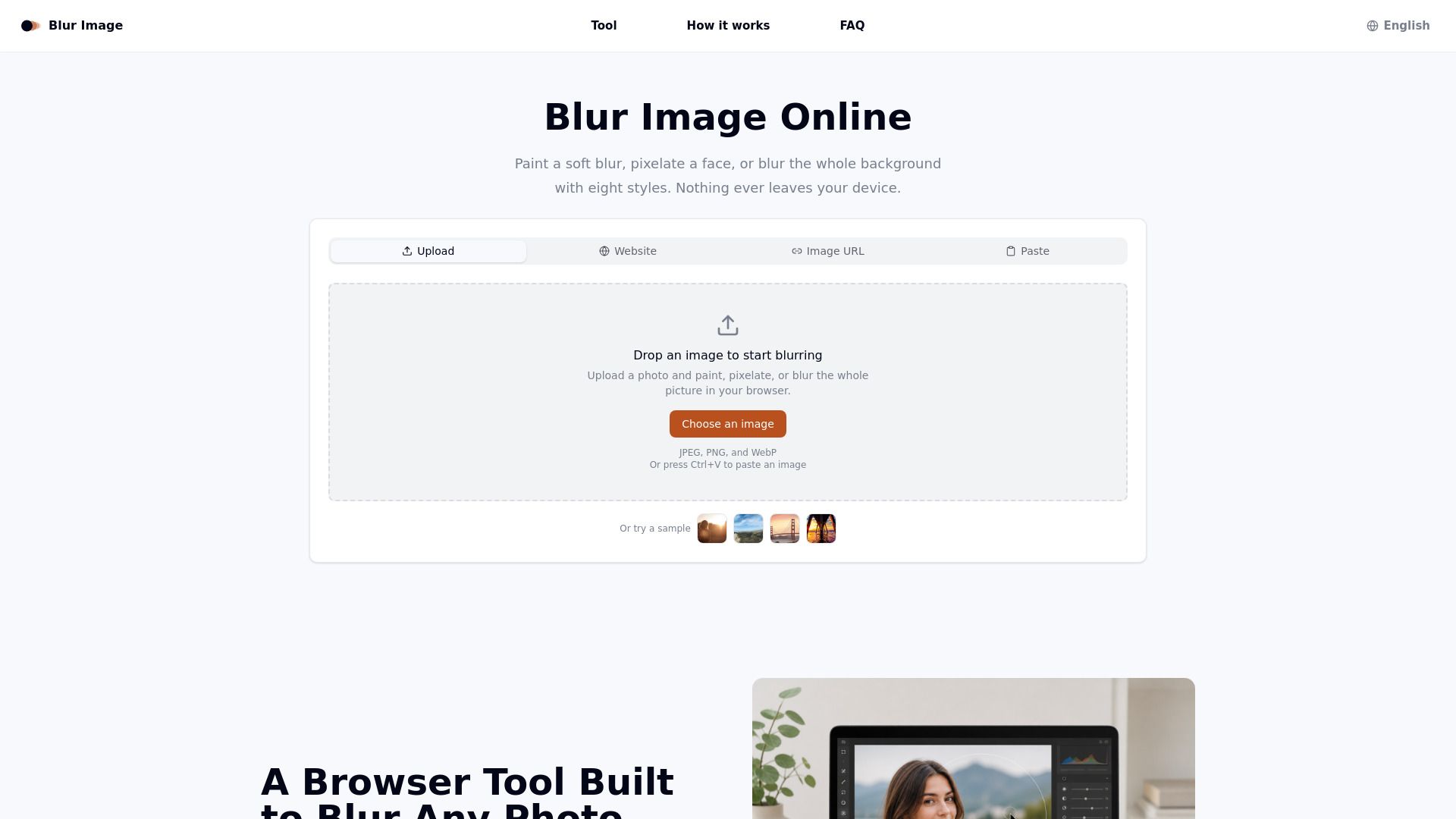
Getting started with Blur Image is simple and efficient. To begin, you can easily add your photo by dragging a file in, clicking to browse, pasting from your clipboard, or dropping in an image URL. Once your image is uploaded, you can choose from eight different blur engines to apply the desired effect. You have the option to paint the area you want blurred or apply the blur to the entire photo with just one click.
After you have achieved the desired blur effect, you can download the result in various formats such as PNG, JPG, or WebP. This process ensures that your photo remains on your device throughout, with no uploads to a server, making it a secure and private experience.
Choose from eight blur styles including Gaussian, motion, and pixelate.
Paint specific areas or apply a blur effect to the whole image in one click.
Download your edited image in PNG, JPG, or WebP formats.
Ready to see what Blur Image can do for you?and experience the benefits firsthand.
Key Features
How to Use
Visit the Website
Navigate to the tool's official website.
Pros & Cons
What's good
What's not good
Pricing
- For hobbyists and beginners
- Monthly starter credits
- Watermark-free outputs
- Access to basic features
- 150 Videos
- 4 credits/5s
- For serious creators
- Access to standard features
- 450 Videos
- 12 credits/10s
- For professionals and agencies
- Access to premium features
- 1350 Videos
- Unlimited storage
- For power users and studios
- Priority support