About ArchOne AI
What is ArchOne AI?
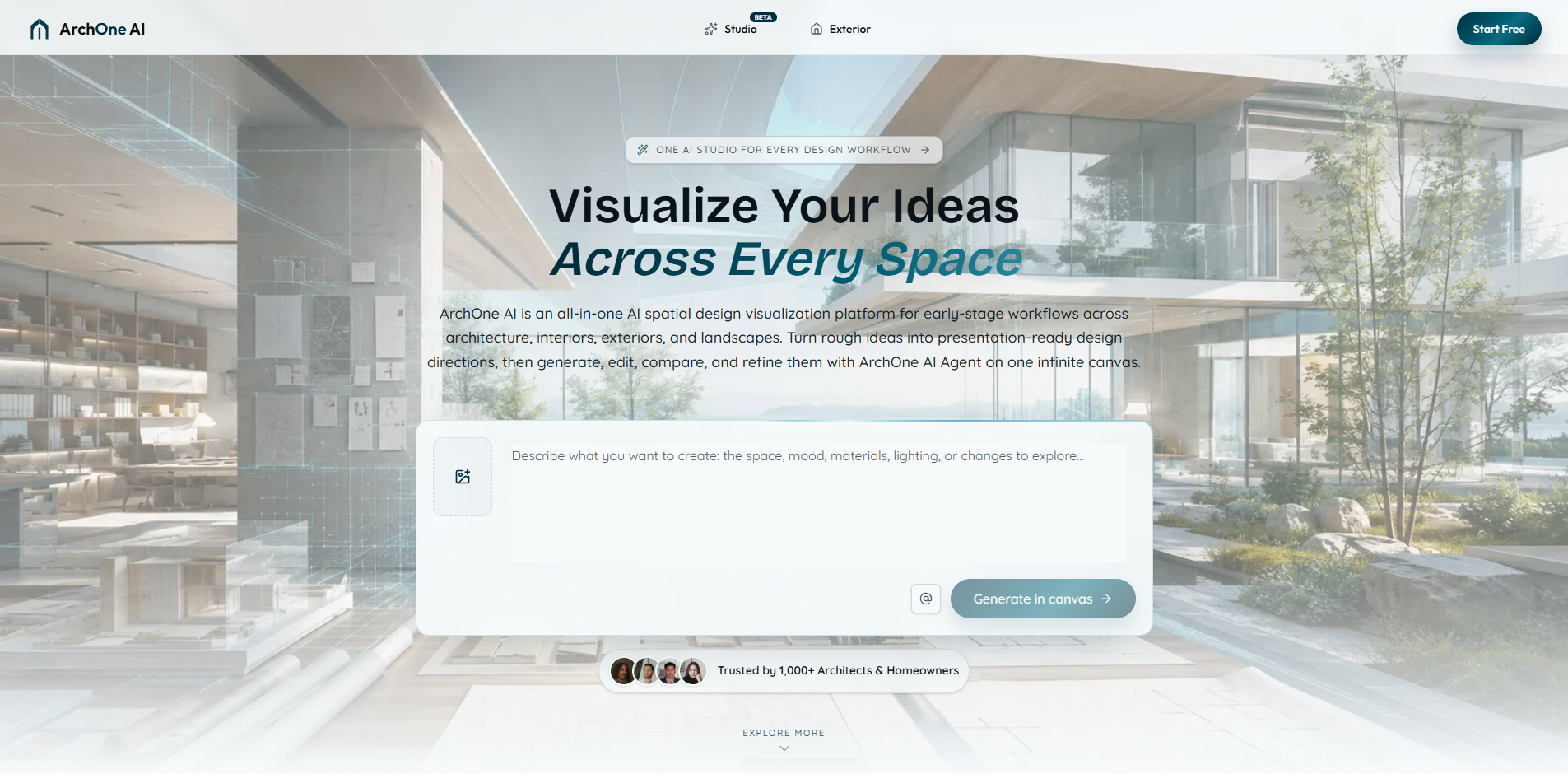
ArchOne AI is an all-in-one AI spatial design visualization platform designed for early-stage workflows in architecture, interiors, exteriors, and landscapes. Founded by Ethan Zhang, the platform is developed by a team experienced in urban planning, architectural design, and AI-driven parametric architectural research. ArchOne AI recognizes that design decisions often begin with imperfect briefs, such as photos, rough ideas, or client comments, and aims to facilitate the design process from these initial concepts.
The platform combines an infinite canvas with the ArchOne AI Agent, allowing users to keep source images, references, generated results, and revisions organized while exploring and comparing various design directions. ArchOne AI is tailored for professionals who work with spaces and need to visually communicate their design ideas effectively.
Infinite canvas for organizing design materials
ArchOne AI Agent for generating, editing, and refining design options
Maintains visibility of original project materials throughout the design process
Supports early-stage concept visualization
ArchOne AI Features
ArchOne AI is an all-in-one AI spatial design visualization platform that facilitates early-stage workflows in architecture, interiors, exteriors, and landscapes. It combines an infinite canvas with the ArchOne AI Agent, allowing users to keep source images, references, generated results, and revisions organized while exploring and comparing various design directions. This integration ensures that original project materials remain visible throughout the design process, enabling a seamless workflow.
The ArchOne AI Agent enhances the design experience by turning design goals into connected actions within the platform. It can generate new visuals, edit selected results, create variations, and compare different design directions while maintaining organization on the canvas. Users have control over the starting images, references, and design directions, ensuring that important constraints are considered throughout the process.
Infinite canvas for organizing design materials
ArchOne AI Agent for generating, editing, and comparing design options
Ability to keep original project materials visible
Supports multi-step workflows and organized design exploration
Flexible control over design inputs and constraints
Why ArchOne AI?
ArchOne AI offers a unique value proposition by providing an all-in-one spatial design visualization platform that enhances early-stage workflows in architecture, interiors, exteriors, and landscapes. By keeping original project materials visible throughout the design process, users can maintain context and continuity, which is crucial for effective design exploration. The platform's integration of the ArchOne AI Agent allows users to generate, edit, compare, and refine design directions while ensuring that important constraints remain part of the brief.
The benefits of using ArchOne AI include:
Seamless integration of source images, references, and generated options on an infinite canvas.
Enhanced communication of design ideas through generated concept visuals that can be directly shared with clients.
Ability to explore multiple design directions without losing project context, making the design process faster and clearer.
Support for both interior design and architectural workflows, catering to a wide range of design professionals.
How to Use ArchOne AI
To get started with ArchOne AI, users can utilize the ArchOne AI Agent, which transforms design goals into actionable steps within the Studio environment. This allows for the generation of new visuals, editing of selected results, and the creation of variations while keeping everything organized on an infinite canvas.
Here are some key features to help you begin:
Keep source images, references, generated results, and revisions together on the canvas.
Generate, edit, compare, and refine design directions seamlessly.
Maintain important constraints throughout the design process.
Review proposed steps and credit estimates before proceeding with multi-step workflows.
Ready to see what ArchOne AI can do for you?and experience the benefits firsthand.
How to Use
Visit the Website
Navigate to the tool's official website.
Pros & Cons
What's good
What's not good
Pricing
- 2 credits after email verification
- One combined GPT Image 2 Studio preview at 1K
- Complex requests are combined into one preview
- Interior, exterior, and landscape design tools
- Watermarked images
- 120 credits / month
- Up to 120 1K direct-tool images / month
- Up to 60 1K Studio outputs / month
- Interior, exterior, and landscape design tools
- Commercial use included
- 360 credits / month
- Up to 360 1K direct-tool images / month
- Up to 180 1K Studio outputs / month
- Everything in Starter
- 4K exports
- 900 credits / month
- Up to 900 1K direct-tool images / month
- Up to 450 1K Studio outputs / month
- Everything in Plus
- Priority support
- 1440 credits / year
- Up to 120 1K direct-tool images / month
- Up to 60 1K Studio outputs / month
- Interior, exterior, and landscape design tools
- Commercial use included
- 4320 credits / year
- Up to 360 1K direct-tool images / month
- Up to 180 1K Studio outputs / month
- Everything in Starter
- 4K exports
- 10800 credits / year
- Up to 900 1K direct-tool images / month
- Up to 450 1K Studio outputs / month
- Everything in Plus
- Highest generation priority