About Any Doc to MD
What is Any Doc to MD?
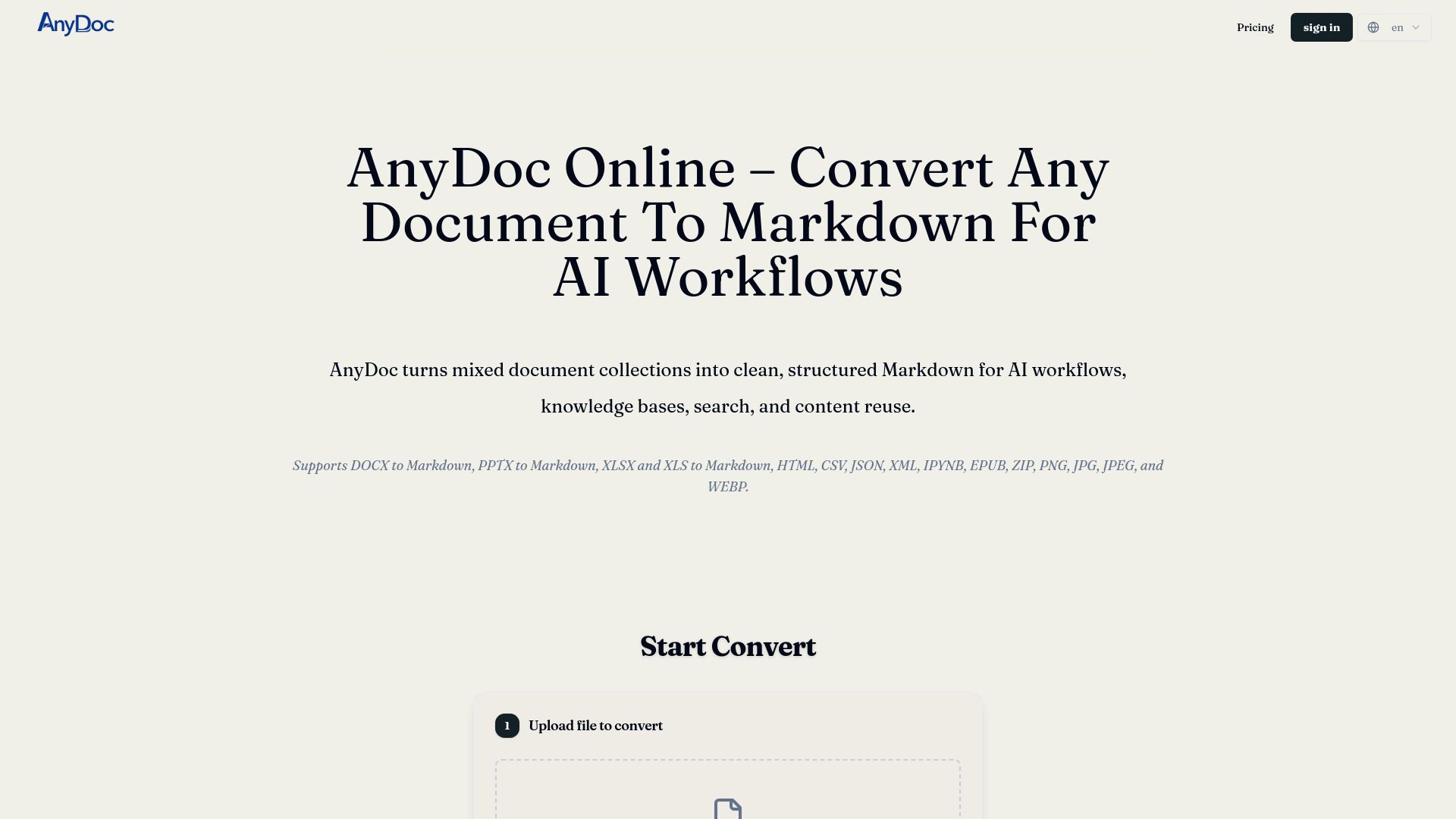
AnyDoc is a powerful online tool designed to convert various document formats into structured Markdown. It combines format-appropriate conversion, table management, and OCR capabilities to produce coherent Markdown from different file types. Users can preview, modify, and export Markdown that is ready for AI workflows, research, publishing, and content reuse.
Key features of AnyDoc include:
Format-Appropriate Conversion:
AnyDoc processes documents, presentations, spreadsheets, web files, notebooks, ebooks, PDFs, archives, and images from a single platform.
Usable Document Structure:
When sufficient information is available, AnyDoc strives to maintain headings, paragraphs, lists, links, emphasis, and code in a Markdown structure.
Readable Markdown Tables:
AnyDoc converts compatible tables and spreadsheet data into Markdown tables to preserve the original layout.
Any Doc to MD Features
AnyDoc to MD is a powerful tool designed to convert various file formats, including PDFs, Word documents, PowerPoint presentations, and images, into clean and structured Markdown. This functionality is particularly beneficial for AI workflows, knowledge bases, and content reuse. Users can process files locally in their browser, ensuring that sensitive material remains secure without the need to upload it to a server.
Key features of AnyDoc to MD include:
Batch processing of multiple file types, allowing users to convert different formats simultaneously.
OCR capabilities to extract text from scanned PDFs and images, ensuring that all content is accurately converted.
Preview functionality that lets users review the converted Markdown against the original document, ensuring critical content is preserved.
Easy downloading options, including individual Markdown files or a ZIP package of all converted results.
Why Any Doc to MD?
AnyDoc offers numerous benefits for users looking to convert documents into Markdown format. By transforming mixed document collections into a more accessible format, AnyDoc enhances the ease of searching, editing, and publishing content. This is particularly valuable for preparing materials for AI workflows, as the text-based format allows for better chunking, indexing, and retrieval, making it easier to provide context to AI systems.
Some key advantages of using AnyDoc include:
Preservation of original document structure, including headings, lists, links, and tables, which reduces the need for extensive cleanup.
Ability to handle a variety of file types in one place, streamlining the workflow for reports, slide decks, spreadsheets, and more.
Batch processing capabilities that allow users to convert multiple files simultaneously, saving time and effort.
Local processing of files, ensuring sensitive material remains secure without the need for uploading to a server.
How to Use Any Doc to MD
To get started with AnyDoc, begin by adding your documents. You can upload files directly from your device or include a public file URL. If you have multiple files to convert, you can select several supported files at once for batch processing.
Next, if your documents include scanned PDFs or image-only pages, enable the Automatic OCR feature. This will allow AnyDoc to read and convert the text from these files effectively. Once your files are ready, let AnyDoc process each one through the appropriate conversion path to ensure the content is transformed into structured Markdown.
Upload one file or a mixed batch of files.
Enable OCR for scanned documents as needed.
Preview each result to ensure accuracy before downloading.
Download your clean Markdown files individually or as a ZIP package.
Ready to see what Any Doc to MD can do for you?and experience the benefits firsthand.
Key Features
How to Use
Visit the Website
Navigate to the tool's official website.
Pros & Cons
What's good
What's not good
Pricing
- All features included in the Lifetime Plan
- Create up to 3 organizations
- Add up to 50 members in total across all organizations
- Perfect for small projects or light usage
- Single file size limit: 300MB
- Supports DOCX, XLSX, PPTX, PDF, HTML formats
- One-time purchase, lifetime use, no subscription
- Most popular choice among users
- Single file size limit: 300MB
- Supports DOCX, XLSX, PPTX, PDF, HTML formats
- One-time purchase, lifetime use, no subscription
- Best value for heavy and frequent users
- Single file size limit: 300MB
- Supports DOCX, XLSX, PPTX, PDF, HTML formats
- One-time purchase, lifetime use, no subscription