
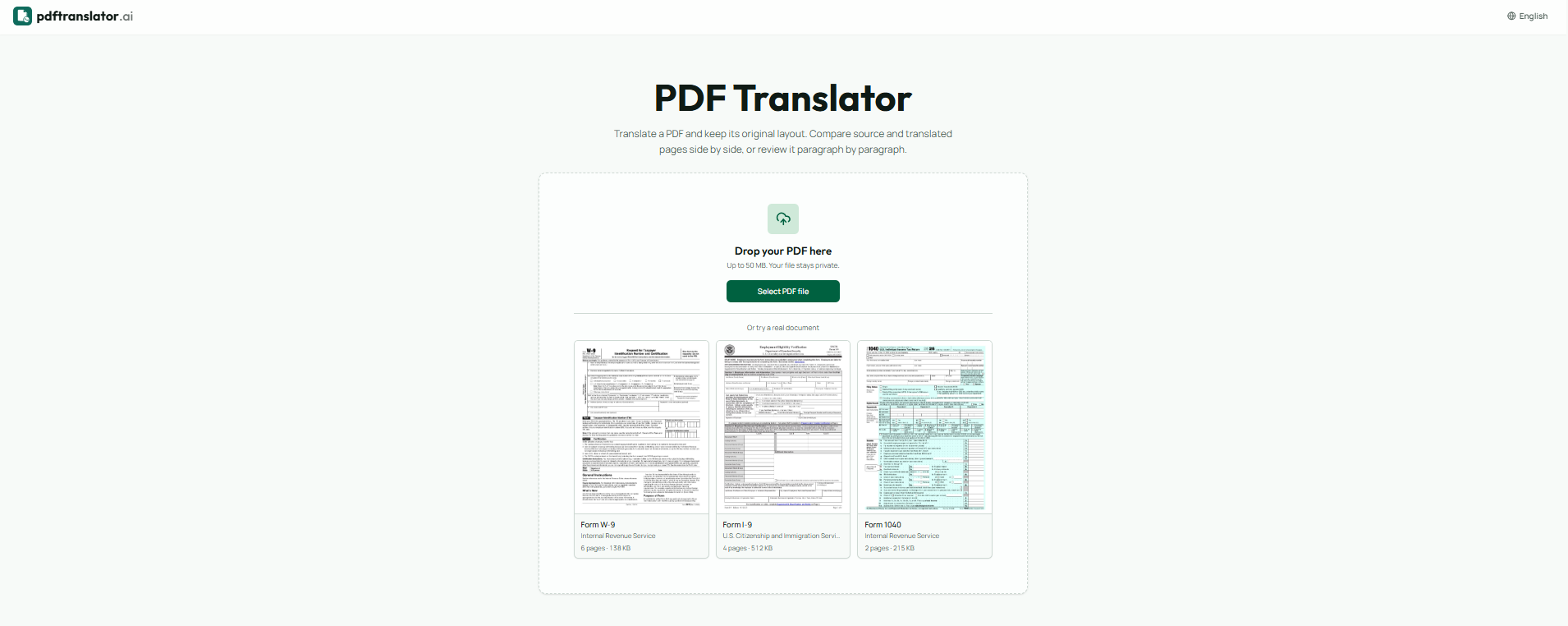
About AI PDF Translator
What is AI PDF Translator?
The AI PDF Translator is designed to translate PDF documents while maintaining the original page structure, formatting, and reading order. This ensures that the translated document remains visually consistent with the source material, making it ideal for various professional and personal uses.
Key features of the AI PDF Translator include:
Support for over 20 languages, including Spanish, German, Hindi, and Chinese.
Ability to upload documents up to 50 MB in size.
Options for bilingual PDFs and translated-only copies from a single job.
Custom page translation, allowing users to select specific page ranges instead of translating the entire document.
Side-by-side page comparison for easy review of translations.
AI PDF Translator Features
The AI PDF Translator is designed to translate PDF documents while preserving the original layout, formatting, and reading order. It supports a maximum upload size of 50 MB per document and can handle translations in over 20 languages, including Spanish, German, Hindi, and Chinese. Users can choose to translate the entire document or specify a range of pages, allowing for customized translations based on their needs.
Key features of the AI PDF Translator include:
Side-by-side page comparison for easy review of source and translated content.
Paragraph-level review with the source text attached for precise editing.
Automatic preservation of tables, columns, and headings, eliminating the need for manual reformatting.
Options to download both bilingual and translated-only versions from a single job.
Why AI PDF Translator?
The AI PDF Translator offers significant advantages for users needing accurate translations while maintaining the original document's layout. Unlike traditional translation methods that often disrupt formatting, this tool preserves tables, columns, and headings, ensuring that the translated document mirrors the source material. This feature is particularly beneficial for professionals who require precise document alignment, such as legal contracts or academic papers.
Some key benefits of using the AI PDF Translator include:
Side-by-side page comparison for easy review.
Paragraph-level review with the source text attached.
Bilingual and translated-only downloads from a single job.
No need for manual reformatting after translation.
Support for over 20 languages, accommodating a diverse range of users.
How to Use AI PDF Translator
Getting started with the AI PDF Translator is simple and user-friendly. To begin, upload your PDF document, ensuring it does not exceed the 50 MB limit. You can select the language you want to translate from and to, and even specify a range of pages if you don't need the entire document translated. Once your settings are configured, click on the 'Translate PDF' button to initiate the translation process.
The AI PDF Translator offers several features that enhance your translation experience:
Preserves the original layout, tables, and formatting of your document.
Provides side-by-side comparison of the source and translated pages.
Allows for paragraph-level review with the source text attached.
Offers bilingual and translated-only downloads from a single job.
Ready to see what AI PDF Translator can do for you?and experience the benefits firsthand.
Key Features
How to Use
Visit the Website
Navigate to the tool's official website.
Pros & Cons
What's good
What's not good
Pricing
- For hobbyists and beginners
- No training jobs
- Limited credits per month
- 150 Videos
- 4 credits/5s
- For serious creators
- 300 Videos
- 12 credits/5s
- For professionals and agencies
- 900 Videos
- 26 credits/5s
- For power users and studios