About AI Image
What is AI Image?
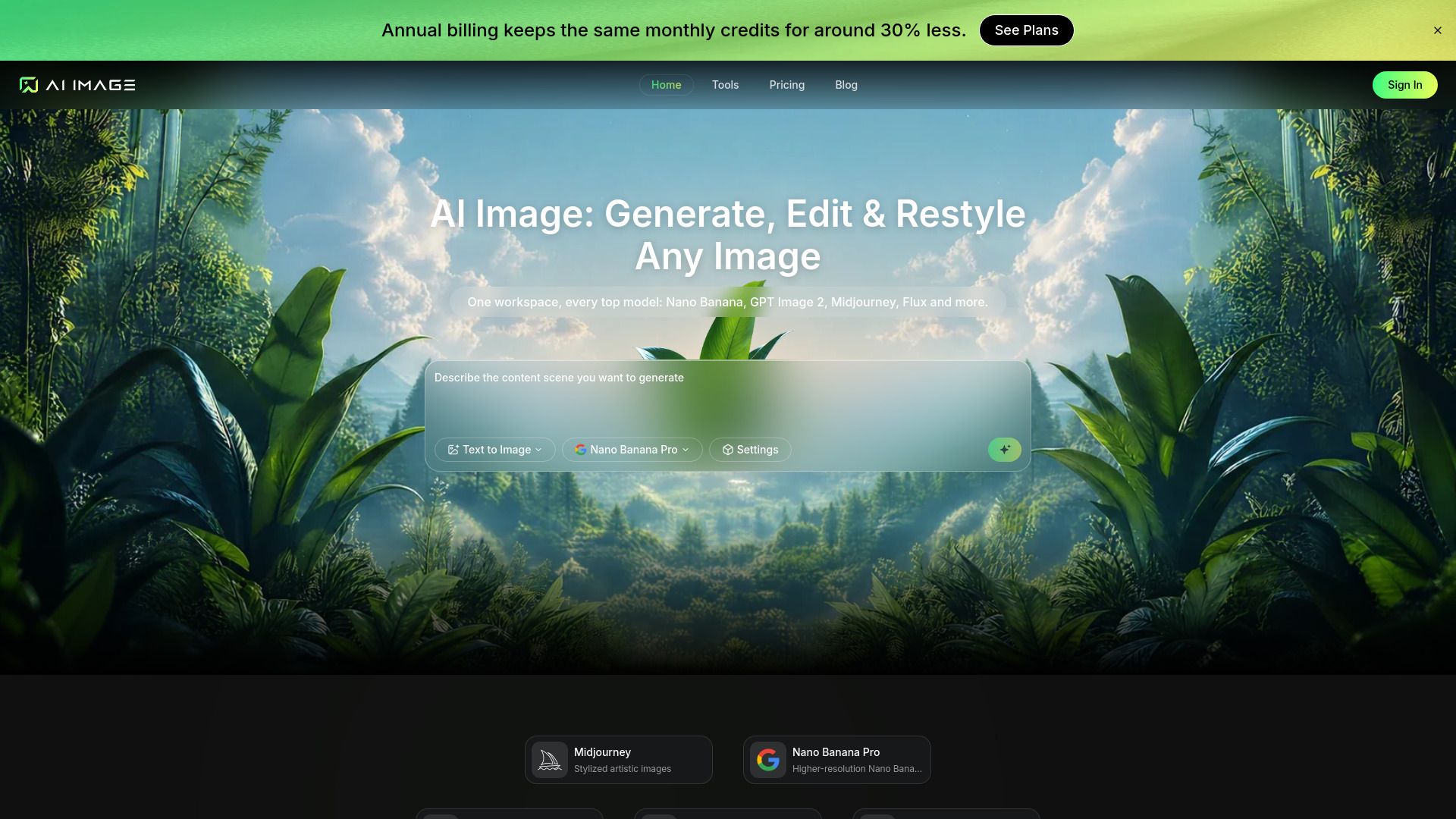
AI Image is an all-in-one online studio designed for creating images from text prompts. It allows users to describe a scene once and compare how various leading image generation models interpret that description side by side, all within a single workspace. The platform operates entirely in the browser, ensuring that all finished works are stored in the user's account and can be easily searched by prompt, model, or date.
With AI Image, users can enjoy a range of features that streamline the image creation process:
One-Click Creation: Simply describe the desired image, and AI Image handles the rest, delivering professional-looking results in moments.
Reference-Guided Looks: Maintain consistency in identity and lighting by dropping in a subject and scene, ensuring the new frame feels cohesive.
Campaign-Ready Polish: Generate image variants in the required sizes, ready for ads, landing pages, or social media without additional design work.
Multi-Size Delivery: Export the entire set of images in one click, with each image packaged in the appropriate formats for web, print, and social media.
AI Image Features
AI Image is a powerful online studio designed to transform text prompts into stunning images. It offers a seamless one-click creation process where users can describe the desired picture and let the AI handle the details such as lighting, composition, and finishing touches. This results in professional-quality images generated in moments, eliminating the need for extensive design hours.
Key features and capabilities of AI Image include:
Reference-Guided Looks: Users can upload a subject and scene, ensuring that the new image maintains consistent identity and lighting.
Campaign-Ready Polish: The tool generates image variants in various sizes, making them ready for advertisements, landing pages, or social media without additional design work.
Multi-Size Delivery: Users can export a complete set of images in one click, with each image properly cropped and formatted for web, print, and social media.
With AI Image, users can easily bring their ideas to life, whether starting from a text description or an existing image, all while enjoying a user-friendly, cloud-based experience.
Why AI Image?
AI Image offers a range of benefits that make it an invaluable tool for professionals across various industries. With its one-click creation feature, users can simply describe the image they want, upload references, and let the AI handle the lighting, composition, and finishing touches. This results in professional-looking images delivered in moments, significantly reducing the time and cost associated with traditional design processes.
Some key advantages of using AI Image include:
Reference-guided looks that maintain identity and lighting consistency.
Campaign-ready polish for immediate use in ads, landing pages, and social media.
Multi-size delivery that exports images in the right formats for various platforms in one click.
Efficient creation of brand assets, product shots, and marketing visuals without the need for extensive design resources.
How to Use AI Image
To get started with AI Image, simply create a free account and open the prompt box to describe what you want to see. Every new account comes with starter credits, allowing you to create your first image without any payment or downloads. Most users can have a functional AI Image setup in under two minutes, and credits are only deducted when a job is completed.
The process to create your first AI Image involves three straightforward steps: First, customize your settings by selecting an AI model, aspect ratio, resolution, and output format. Next, describe your vision in plain language or upload a reference photo. Finally, hit generate and watch your image come to life, with all results saved in your account for easy access and further refinement.
Create a free account with starter credits.
Customize settings for your image generation.
Describe your vision or upload a reference photo.
Generate and save your images for future use.
Ready to see what AI Image can do for you?and experience the benefits firsthand.
Key Features
How to Use
Visit the Website
Navigate to the tool's official website.
Pros & Cons
What's good
What's not good
Pricing
- 1,000 Credits
- Up to 500 images per month
- 2 parallel tasks
- Standard generation speed
- No watermark on downloads
- 1,000 Credits
- All features included
- Basic support
- 4,000 Credits
- All features included
- Priority support
- 10,000 Credits
- All features included
- Batch processing
- Priority support
- 22,000 Credits
- All features included
- Batch processing
- API access
- Dedicated support