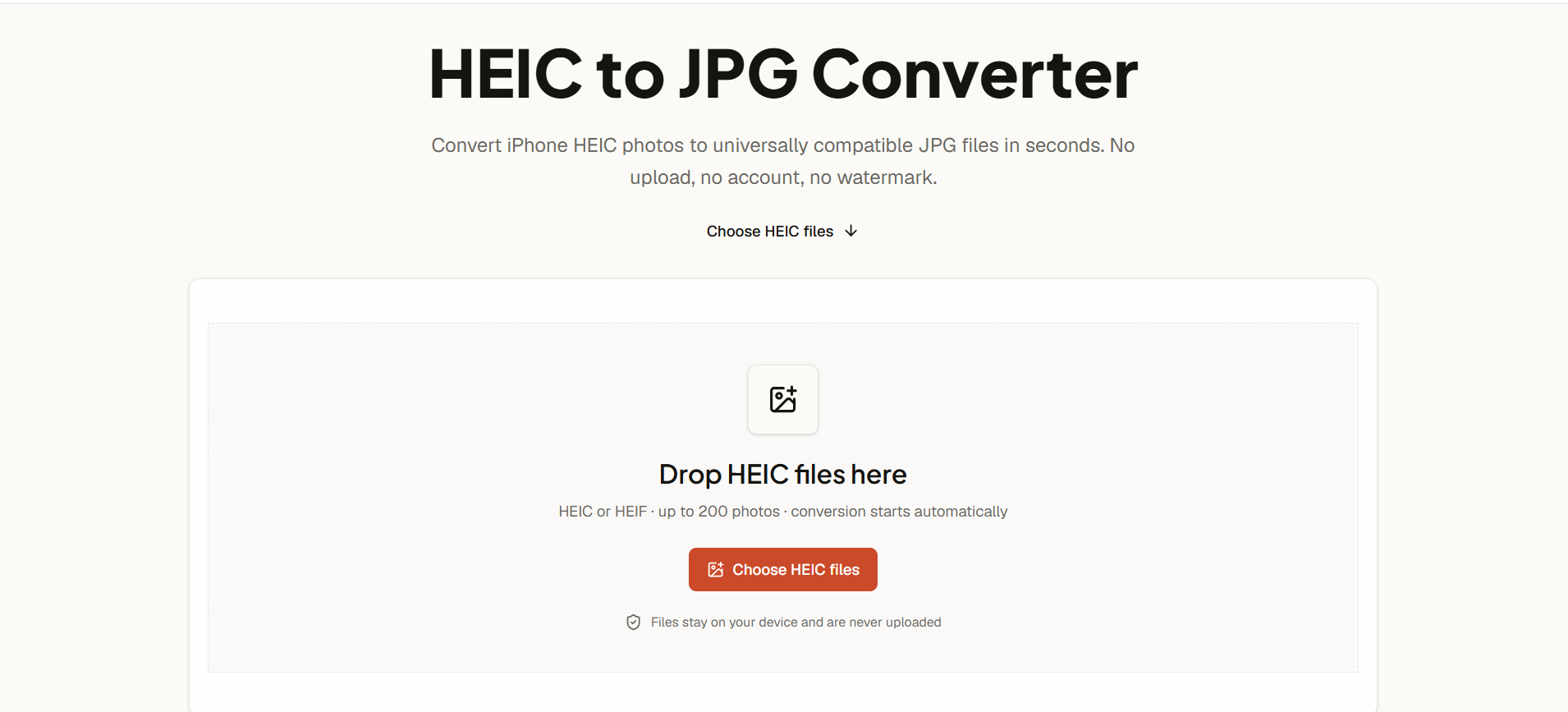
About AI HEIC to JPG Converter
What is AI HEIC to JPG Converter?
The AI HEIC to JPG Converter is a powerful tool designed to convert HEIC and HEIF photos, commonly used by iPhone and iPad users, into universally compatible JPG files. This converter operates directly in your browser, ensuring that your files remain private and secure, as no uploads or accounts are required. With the ability to process up to 200 photos at once, users can efficiently convert their entire camera roll or select images in a single batch.
Key features of the AI HEIC to JPG Converter include:
Local processing: Conversion occurs within your browser, keeping your images safe and private.
Batch conversion: Convert multiple HEIC files simultaneously and download them as individual JPGs or in a ZIP file.
Quality control: Choose from different output quality settings (80%, 92%, or 100%) to balance file size and image fidelity.
Original dimensions preserved: The converter maintains the original pixel dimensions and orientation of your photos.
AI HEIC to JPG Converter Features
The AI HEIC to JPG Converter allows users to effortlessly convert their HEIC and HEIF photos into universally compatible JPG files. This tool is designed for convenience, enabling batch conversion of up to 200 images at once, with the ability to download individual JPGs or a complete set in a ZIP file. The conversion process is initiated automatically once the files are uploaded, ensuring a seamless user experience.
Key features of the AI HEIC to JPG Converter include:
Local processing: The conversion occurs directly in the browser, ensuring that personal photos and metadata remain private and are not uploaded to any server.
Quality control: Users can select the output quality, with options of 80%, 92%, or 100%, allowing for a balance between image fidelity and file size.
Original dimensions preserved: The converter maintains the original pixel dimensions and orientation of the images during the conversion process.
No account or watermark required: The service is free to use without the need for user accounts or watermarked images.
Why AI HEIC to JPG Converter?
The AI HEIC to JPG Converter offers a seamless solution for converting HEIC and HEIF photos into universally compatible JPG files. This tool is designed to work directly in your browser, ensuring that your images remain private and secure without the need for uploads or account creation. By converting your photos locally, you can maintain control over your personal data while enjoying the convenience of quick and efficient processing.
Utilizing this converter comes with several benefits:
Batch conversion of up to 200 HEIC files at once, saving time and effort.
Preservation of original pixel dimensions and orientation, ensuring quality is maintained.
Flexible output quality options (80%, 92%, or 100%) to suit your needs for detail and file size.
No watermarks or hidden fees, providing a straightforward and user-friendly experience.
How to Use AI HEIC to JPG Converter
To get started with the AI HEIC to JPG Converter, simply choose or drag and drop your .heic and .heif photos into the converter interface. The conversion process begins automatically, allowing you to convert up to 200 HEIC files in one go. Once the files are processed, you can download individual JPG images or receive the entire batch as a ZIP archive.
This converter is designed for privacy and efficiency, as it runs directly in your browser without uploading your files to a server. You can control the output quality by selecting from 80%, 92%, or 100%, ensuring that you get the best balance between image fidelity and file size. Here are some key features:
Batch conversion of up to 200 HEIC or HEIF photos.
Local processing ensures your files remain private.
Preserves original pixel dimensions and orientation.
No account creation or watermarks required.
Ready to see what AI HEIC to JPG Converter can do for you?and experience the benefits firsthand.
How to Use
Visit the Website
Navigate to the tool's official website.
Pros & Cons
What's good
What's not good
Pricing
- Basic features included
- Limited credits per month
- No access to premium features
- Personal use only
- 150 Videos per month
- 4 credits per 5 seconds
- Email support
- No watermark on videos
- 450 Videos per month
- 12 credits per 10 seconds
- High quality audio output
- Commercial license included
- 1350 Videos per month
- 24 credits per 10 seconds
- Unlimited storage
- Private content generation