About 3dconverter
What is 3dconverter?
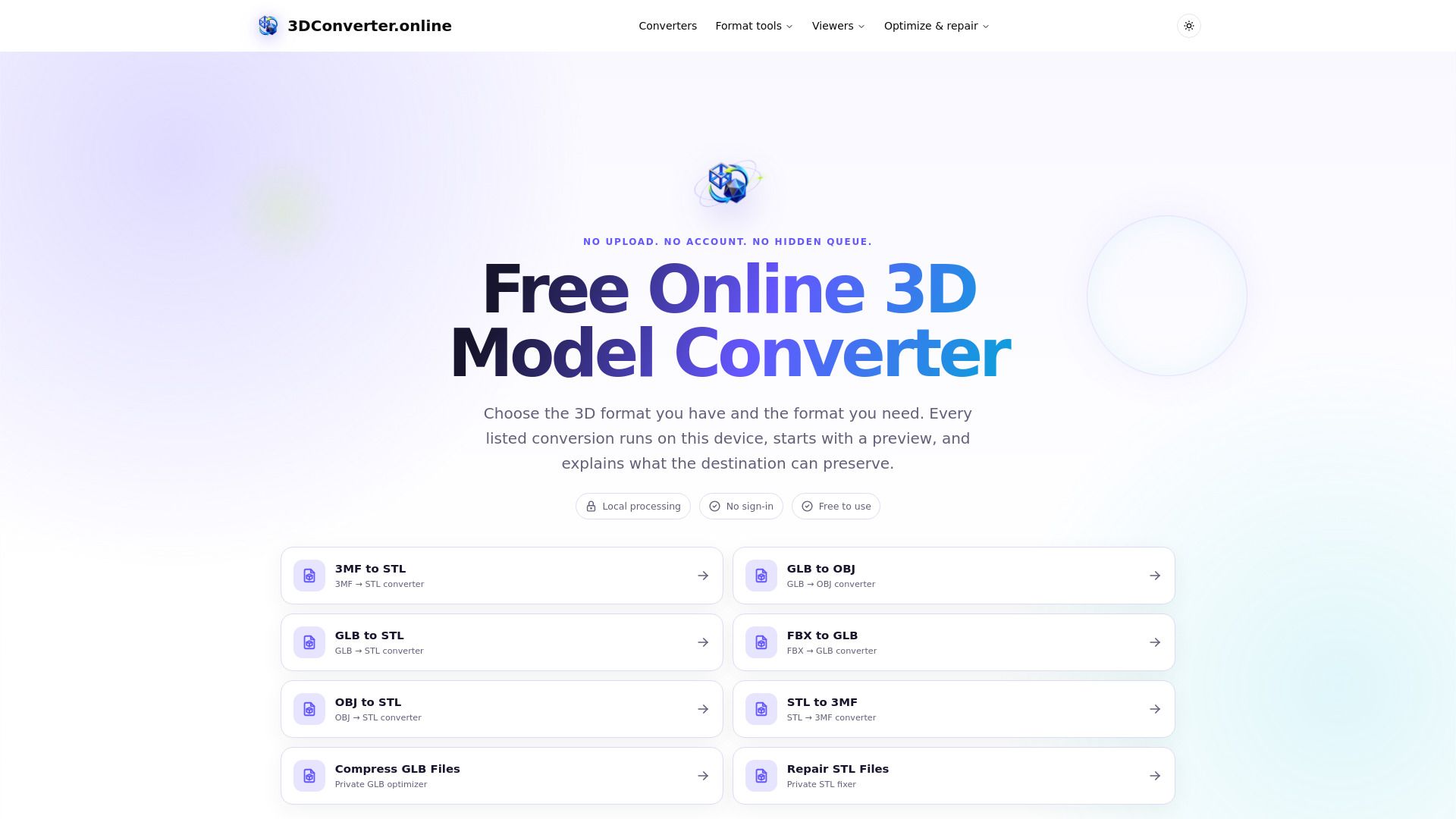
3DConverter.online is a free online 3D model converter designed to facilitate specific, verifiable mesh conversions directly in the browser. Unlike other services that may promise broad capabilities, this tool focuses on a limited set of real browser-side conversions, ensuring that users can convert their 3D files without the need for an account, subscription, or any hidden fees. The platform supports various 3D formats, including 3MF, STL, OBJ, GLB, and FBX, allowing users to choose the source and target formats for their conversions.
Key features of 3DConverter.online include:
Local processing: All operations are performed in the browser, ensuring that users' files remain private and secure.
No sign-in required: Users can access the service without creating an account.
Immediate control: The architecture allows users to manage sensitive prototypes without delays or file-size pricing associated with remote services.
Preview functionality: Users can inspect their models before finalizing the conversion, checking scale, orientation, and surface quality.
3dconverter Features
3DConverter.online is a specialized tool designed for real browser-side mesh conversions, focusing on a limited set of capabilities to ensure accuracy and reliability. Unlike other services that may promise extensive features, this converter is built around a narrow, verifiable task, allowing users to convert 3D models without the risk of fake claims regarding CAD or animation preservation. The architecture of the tool ensures that users maintain immediate control over their sensitive prototypes, as all processing occurs within the browser, eliminating the need for file uploads or server-side queues.
The functionality of 3DConverter.online includes:
Support for various 3D formats such as 3MF, STL, OBJ, GLB, and FBX.
Real-time processing with no account or subscription required.
On-device parsing, previewing, and conversion, ensuring model files are not uploaded to any server.
Detailed previews that allow users to inspect scale, orientation, and surface quality before finalizing conversions.
Clear explanations of what data can be preserved in the destination format, including materials and animations, based on the selected conversion direction.
Why 3dconverter?
3DConverter.online offers a unique value proposition by providing a free, browser-based 3D model conversion service that prioritizes user control and data privacy. Unlike many remote conversion services, it does not require account creation or impose file size limitations, allowing users to convert their 3D models without the hassle of waiting in a server-side queue. This immediate processing capability ensures that sensitive prototypes remain secure on the user's device throughout the conversion process.
The benefits of using 3DConverter.online include:
Local processing of 3D models, ensuring that files are not uploaded to a server.
No sign-in or subscription required, making it accessible to everyone.
Support for multiple 3D formats, including 3MF, STL, OBJ, GLB, and FBX.
Immediate control over the conversion process with a preview feature to inspect the model before finalizing.
How to Use 3dconverter
Getting started with 3DConverter.online is straightforward and user-friendly. To begin, simply choose the 3D format you currently have and the format you wish to convert to. The converter supports a variety of formats including 3MF, FBX, GLB, OBJ, and STL. Once you select your files, you can drop them directly into the designated area or click to browse your device. The conversion process runs entirely in your browser, ensuring that your files remain private and secure.
As you use the converter, you will benefit from features designed to enhance your experience:
No sign-in required, making it easy to start converting immediately.
Free to use with a maximum file size of 150 MB.
Each conversion begins with a preview, allowing you to inspect the model before finalizing.
Dedicated conversion guides are available for format-specific preservation details.
Ready to see what 3dconverter can do for you?and experience the benefits firsthand.
Key Features
How to Use
Visit the Website
Navigate to the tool's official website.