
- Monthly visits
- 147.2K
- Pricing
- Paid
- Bank Statements, Bank Statements (300 pages)
- Added
- Apr 21 2025
About DocuClipper
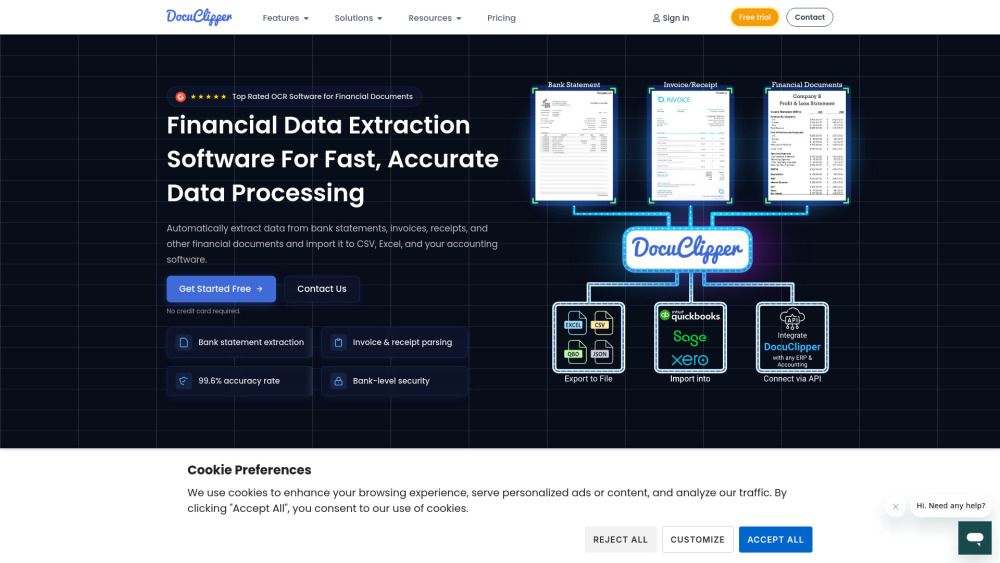
DocuClipper is a platform for extracting data from financial documents and turning it into structured data for use in spreadsheets and accounting systems. It targets accounting firms, bookkeepers, lenders, and financial professionals who need to transform PDF or scanned documents into usable data and automate related workflows. The tool emphasizes accuracy, automation, and a workflow that reduces manual data entry across financial documents.
The product reads PDFs and images, validates extracted values against printed balances, and exports results to common formats or accounting software. It supports batch processing, API-based ingestion, and webhook-based updates to fit into existing data pipelines. The system aims to connect document intake, extraction, validation, and export in a single platform rather than requiring multiple tools.
DocuClipper provides data extraction for bank statements, invoices, receipts, checks, and tax forms, and adds analysis and automation features to support decision making. It emphasizes reconciliation, fraud detection, and cash-flow analysis as part of its core capabilities, along with automated workflows.
DocuClipper lists plans, platform reach, and integrations, noting an online trial and a path to exporting data to QuickBooks, Xero, or Excel. It describes compatibility with various document types, integration options, and scalable workflows for professional accounting and finance teams.
Use cases
- Bank statements to Excel for bookkeeping and audit preparation
- Invoices and receipts data extraction for accounts payable
Key features
- Bank statement to Excel and CSV (any bank)
- Reconciliation and validation of totals
- Upload and ingest via bulk upload, email, cloud storage or API
- 99.9% field-level accuracy
Pros and cons
Pros
Pricing
- 14-day free trial
- No credit card required
- Batch processing
- Multi-account support
- 14-day free trial
- No credit card required
- Batch processing
- Multi-account support